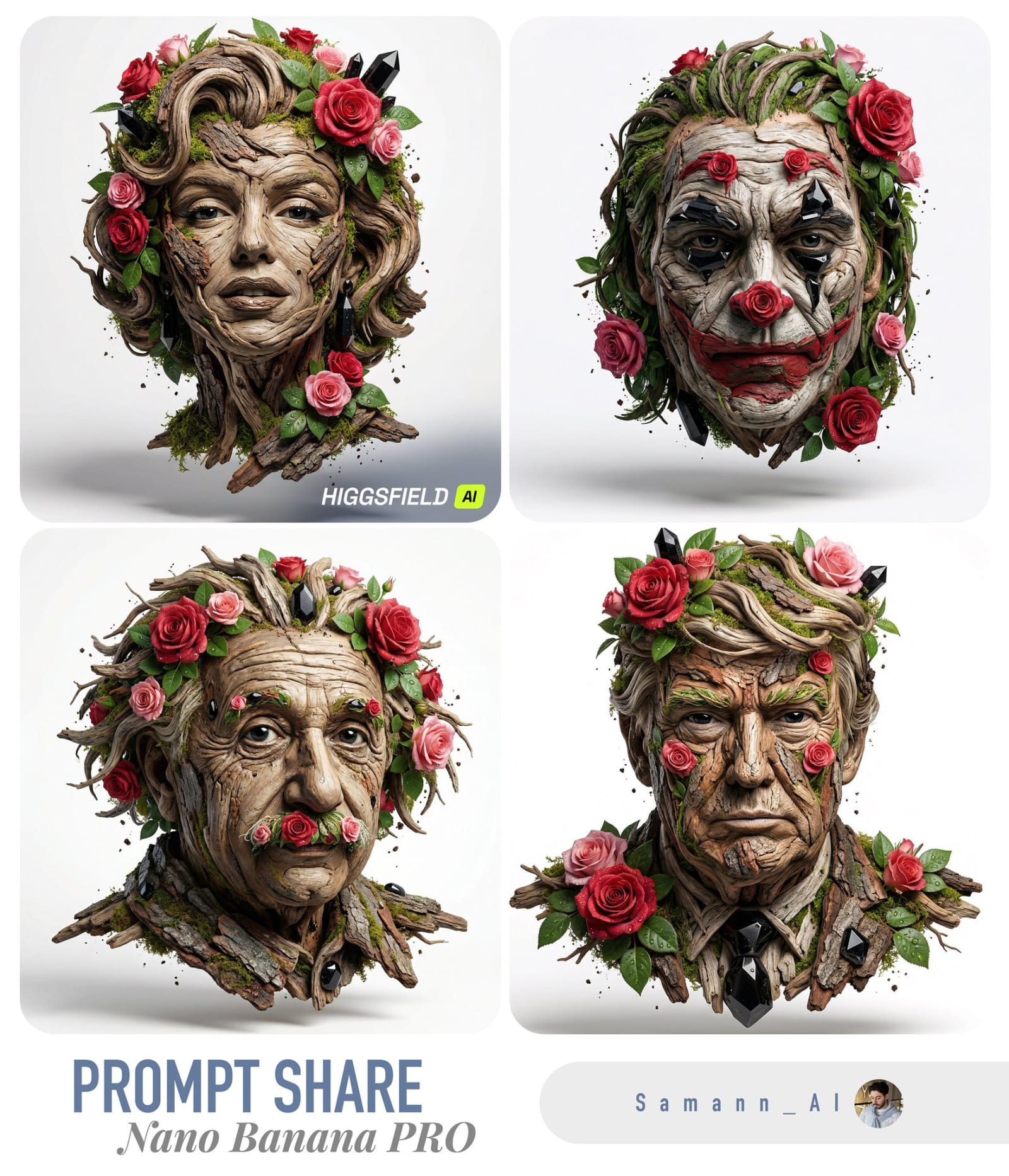
Make Anything Bloom, AI image made with Nano Banana Pro
Example output · Nano Banana ProCredit: @aimikoda

Make Anything Bloom (Variant 2) Prompt

This Gemini photo editing prompt turns one clear photo of you into a cinematic make anything bloom. It spells out 85mm portrait lens and shallow depth of field, which is why the result looks like a real photograph rather than a generic AI image. It includes face-lock instructions so your facial features, skin tone and expression stay the same.

1:1 280 words Needs your photo

Make Anything Bloom (Variant 2) prompt text

Copy & paste

VARIABLES [MAIN_SUBJECT] = uploaded reference image [PLANT_DENSITY] = balanced [COLOR_PALETTE] = natural greens with subtle pastel accents [EDIT_MODE] = additive_only | hybrid | reconstruct [BACKGROUND] = unchanged | background description [SEASON_HINT] = spring | summer | autumn | winter | early spring | late summer INSTRUCTIONS Make a high-resolution photorealistic image intended for premium conceptual visualization. Use [MAIN_SUBJECT] as the exact visual identity and base form. If [EDIT_MODE] is additive_only, preserve the original camera angle, framing, subject position, scale, orientation, background, lighting, and shadows exactly as provided. If [EDIT_MODE] is hybrid, preserve camera angle, framing, and subject position while allowing subtle background enhancement consistent with [BACKGROUND]. If [EDIT_MODE] is reconstruct, rebuild the scene while preserving subject identity and integrate the subject into [BACKGROUND]. Integrate natural vegetation into the subject as a miniature living ecosystem. Control overall vegetation presence according to [PLANT_DENSITY]. Allow vegetation to emerge only from physically plausible gaps, seams, recesses, joints, or surface transitions. Guide vegetation growth, color nuance, density balance, and subtle environmental cues according to [SEASON_HINT]. Ensure seasonal influence affects plants only, not the subject’s material or structure. Ensure growth follows real-world physical logic and surface geometry. Prevent vegetation from obscuring primary functional areas, faces, logos, or focal features. Render plants with believable scale, natural variation, and physical grounding. Apply [COLOR_PALETTE] as a base while allowing seasonal tonal shifts. Maintain visual clarity and subject dominance. Ensure the final image feels iconic, timeless, and cinematically powerful. Avoid text, labels, watermarks, excessive fantasy elements. [STYLE REFINEMENT VARIANT 2]: Rendering variation: Captured with 85mm prime lens at f/1.4 for cinematic optical separation, soft directional lighting with gentle fill roll-off, maintaining complete consistency with the core subject and stylistic integrity.

How to use this prompt

  1. 1

    Copy the prompt

    Tap "Copy prompt" to copy all 280 words exactly as written.

  2. 2

    Upload your photo

    Open Google Gemini (gemini.google.com) and pick Nano Banana / "Create image", tap the + button and attach one sharp, well-lit photo where your face is clearly visible.

  3. 3

    Paste and generate

    Paste the prompt and send it. Ask for a 1:1 aspect ratio if the tool does not pick it automatically.

  4. 4

    Refine with follow-ups

    Ask for small changes in the same chat — "make the lighting warmer" or "change the outfit colour to black" — instead of rewriting the prompt.

Make it your own

  • Format: use 9:16 instead of 1:1 for Instagram Reels and Stories.

Pro tip: This tuned variation introduces subtle lighting and optical camera hints (shot on 85mm f/1.4) to match the distinct nuances of output example 2.

Make Anything Bloom (Variant 2) prompt — FAQ

Is the make anything bloom prompt free?

Yes. You can copy the full make anything bloom prompt on Hixa for free and use it in Google Gemini, ChatGPT or any other AI image tool. No signup is needed.

Will this prompt change my face?

It is written to keep your facial features, skin tone and expression the same as your uploaded photo. For the best likeness, use a sharp, front-facing photo in good light. If the face drifts, reply with "keep my face exactly the same as the uploaded photo".

Which AI tool works best for this prompt?

It is written for Google Gemini's Nano Banana Pro image model. It also works in ChatGPT image generation and most modern AI image tools, though results vary between models.

What aspect ratio should I use?

The prompt is designed for 1:1. Use 4:5 for Instagram feed posts and 9:16 for Reels or Stories.

More portrait prompts

Similar styles people copy with this one

View all
Split-Screen Aging Portrait – in a photo studio, AI image made with Nano Banana Pro
Gemini
Relaxed Pose in Teal Bodysuit on Outdoor Couch, AI image made with Nano Banana 2
Gemini
Recursive Artist Photography, AI image made with Nano Banana Pro
Gemini
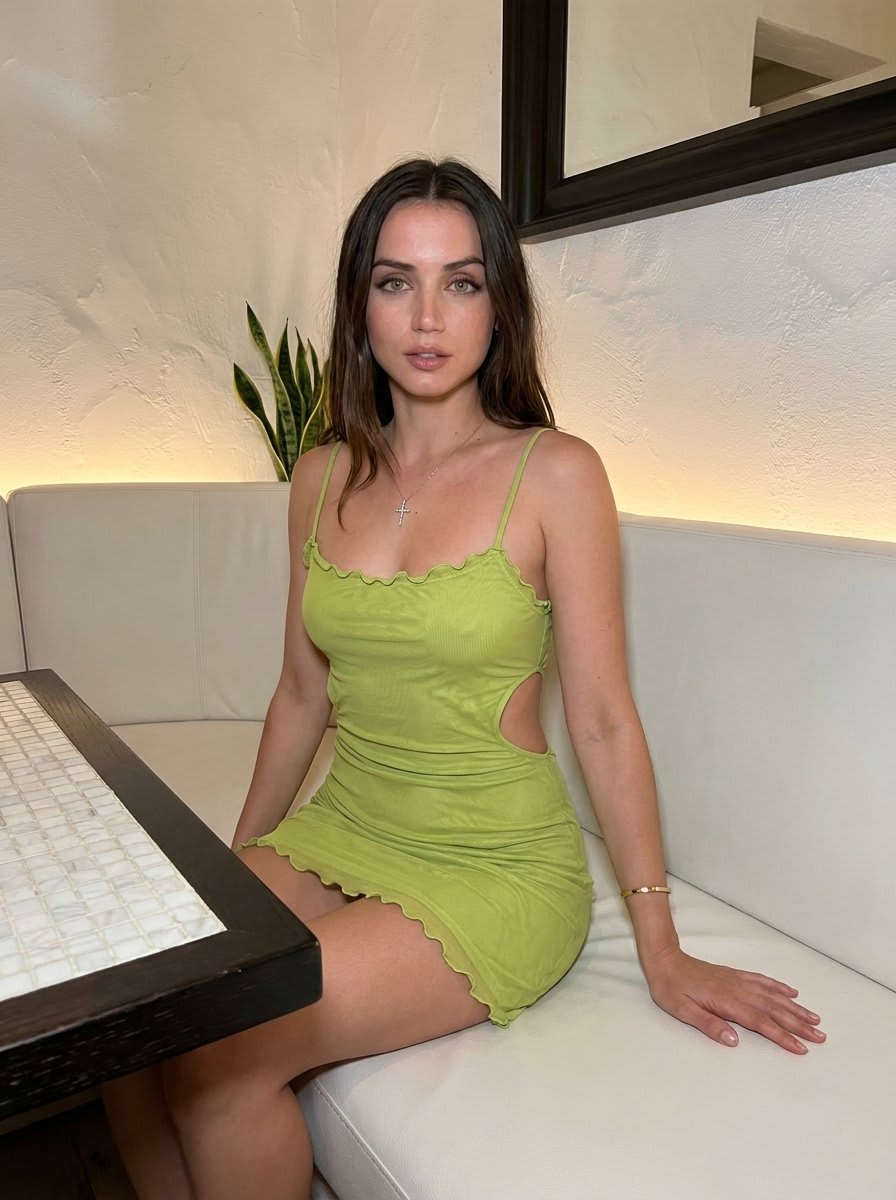
Lime Green Dress Portrait on White Bench – in a restaurant, AI image made with Nano Banana 2
Gemini
Nocturnal Roadside Car Portrait – in a car, AI image made with Nano Banana Pro
Gemini
Melancholic Grass Field Portrait – in an open field, AI image made with Nano Banana Pro
Gemini
High-End Portrait Enhancement, AI image made with Nano Banana Pro
Gemini
Ferrari VIP Grandstand Portrait, AI image made with Nano Banana Pro
Gemini
Luxury Supercar Showroom Portrait, AI image made with Nano Banana Pro
Gemini
Cosplay Character at Convention, AI image made with Nano Banana Pro
Gemini
Nature's Sculptural Portrait in Bloom – in a photo studio, AI image made with Nano Banana Pro
Gemini