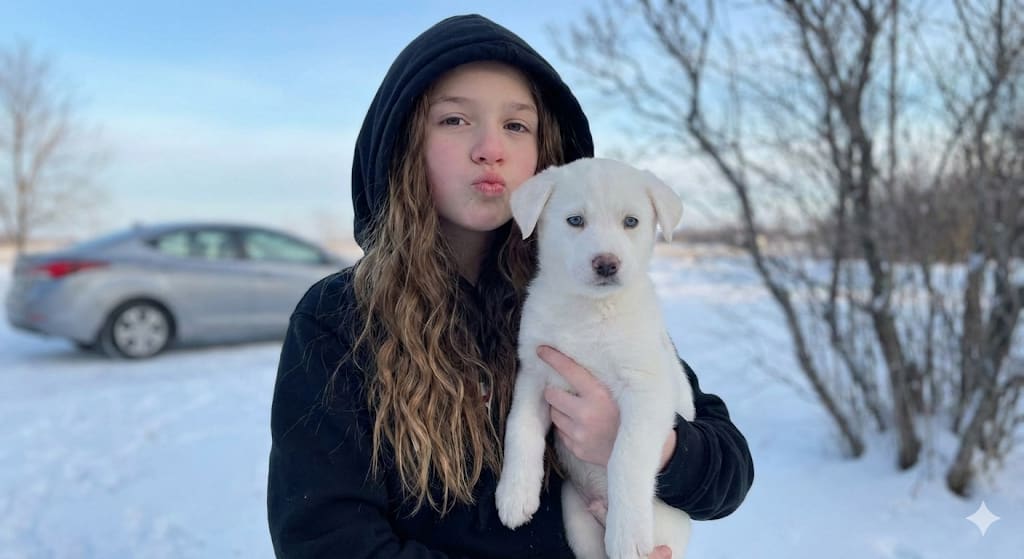
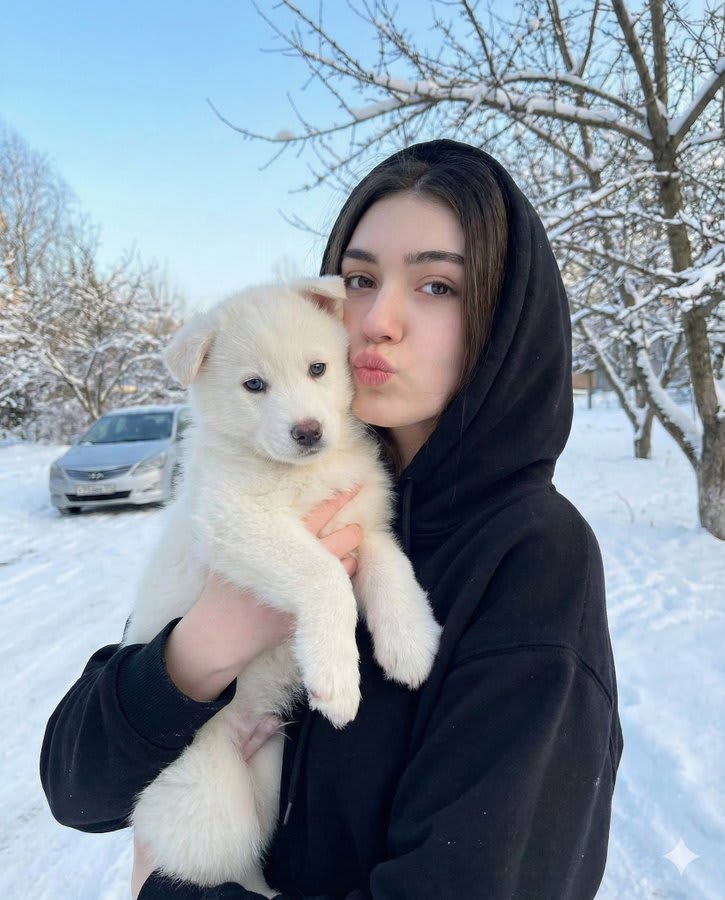
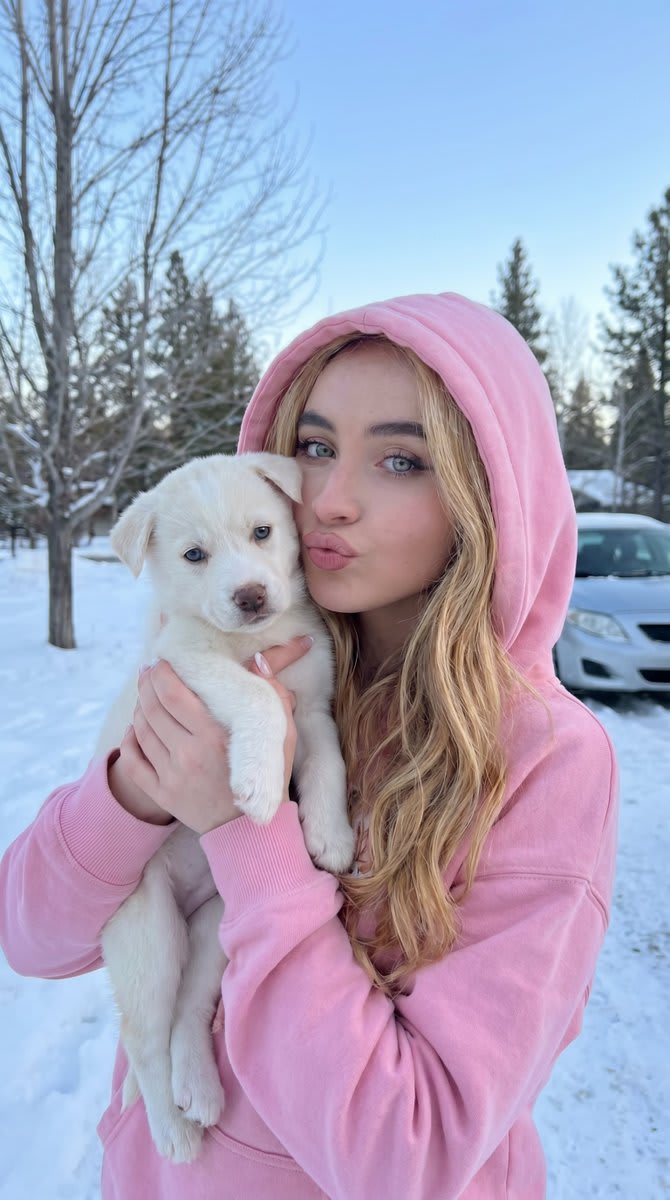
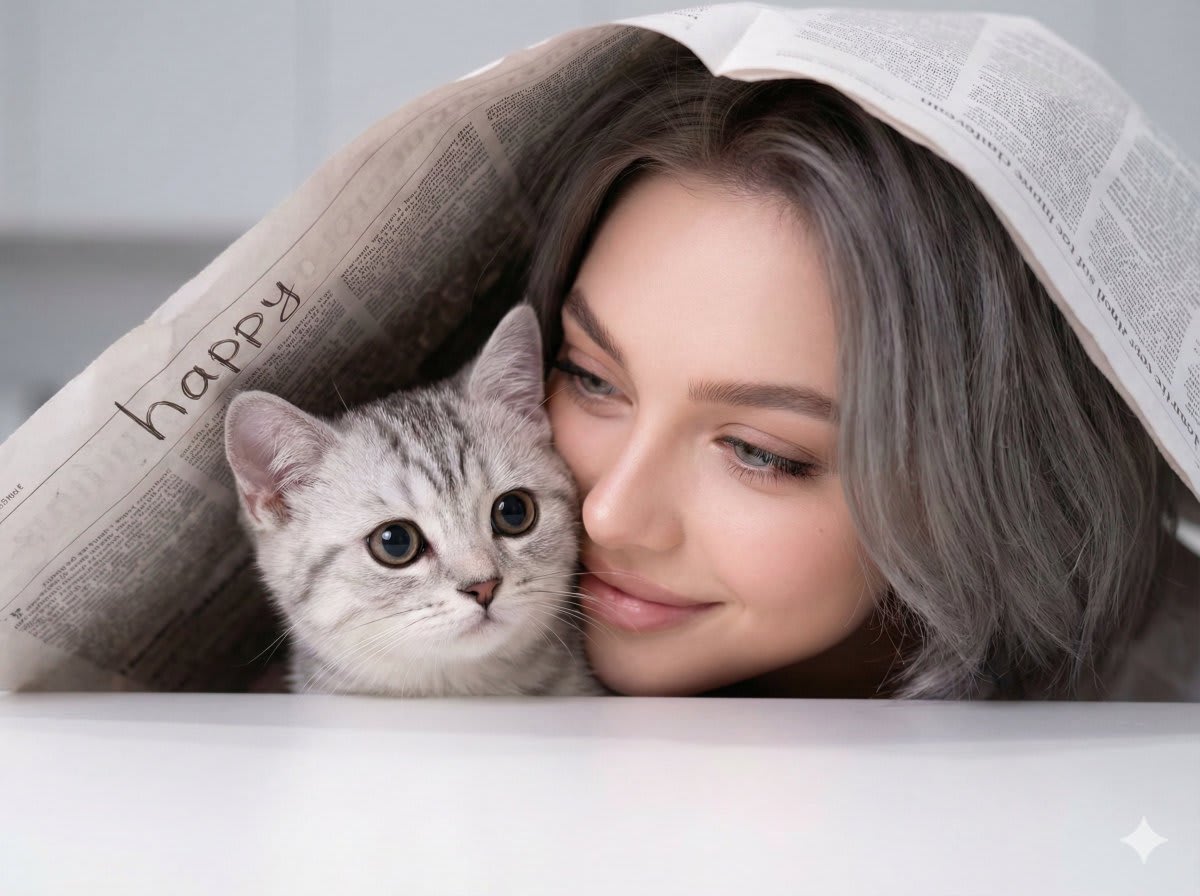
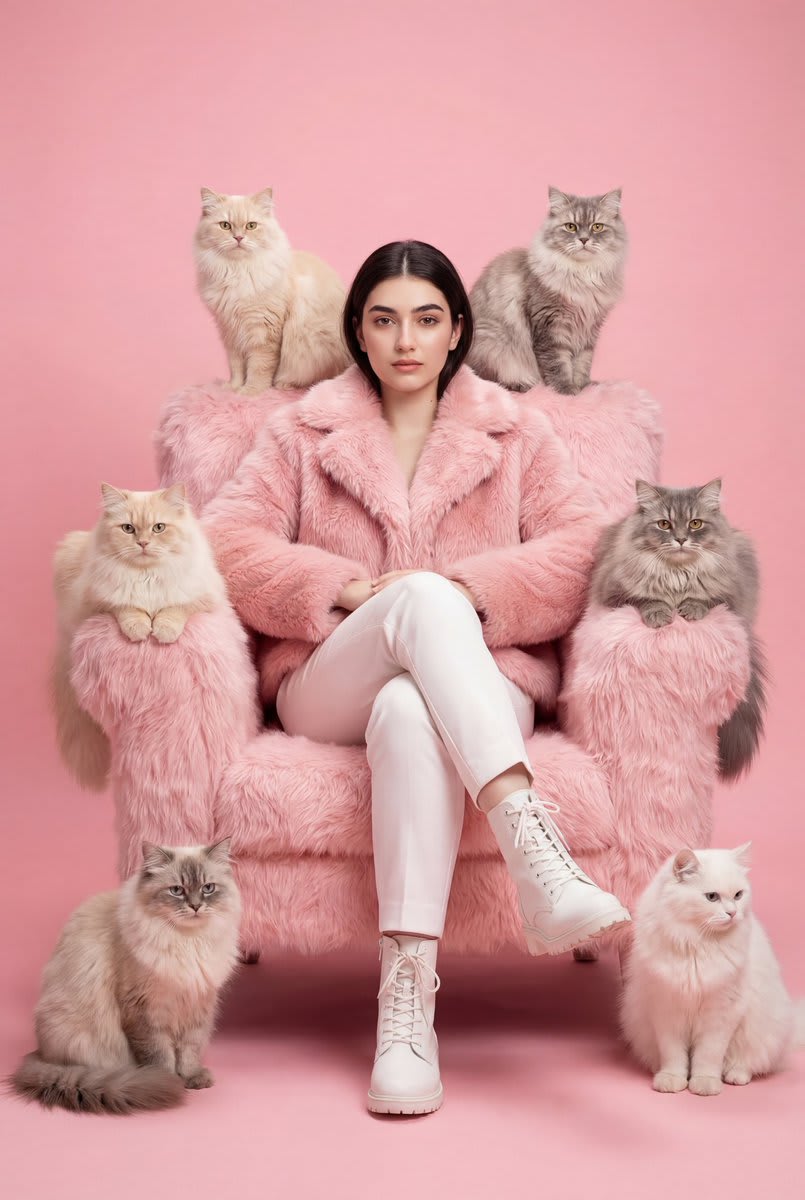
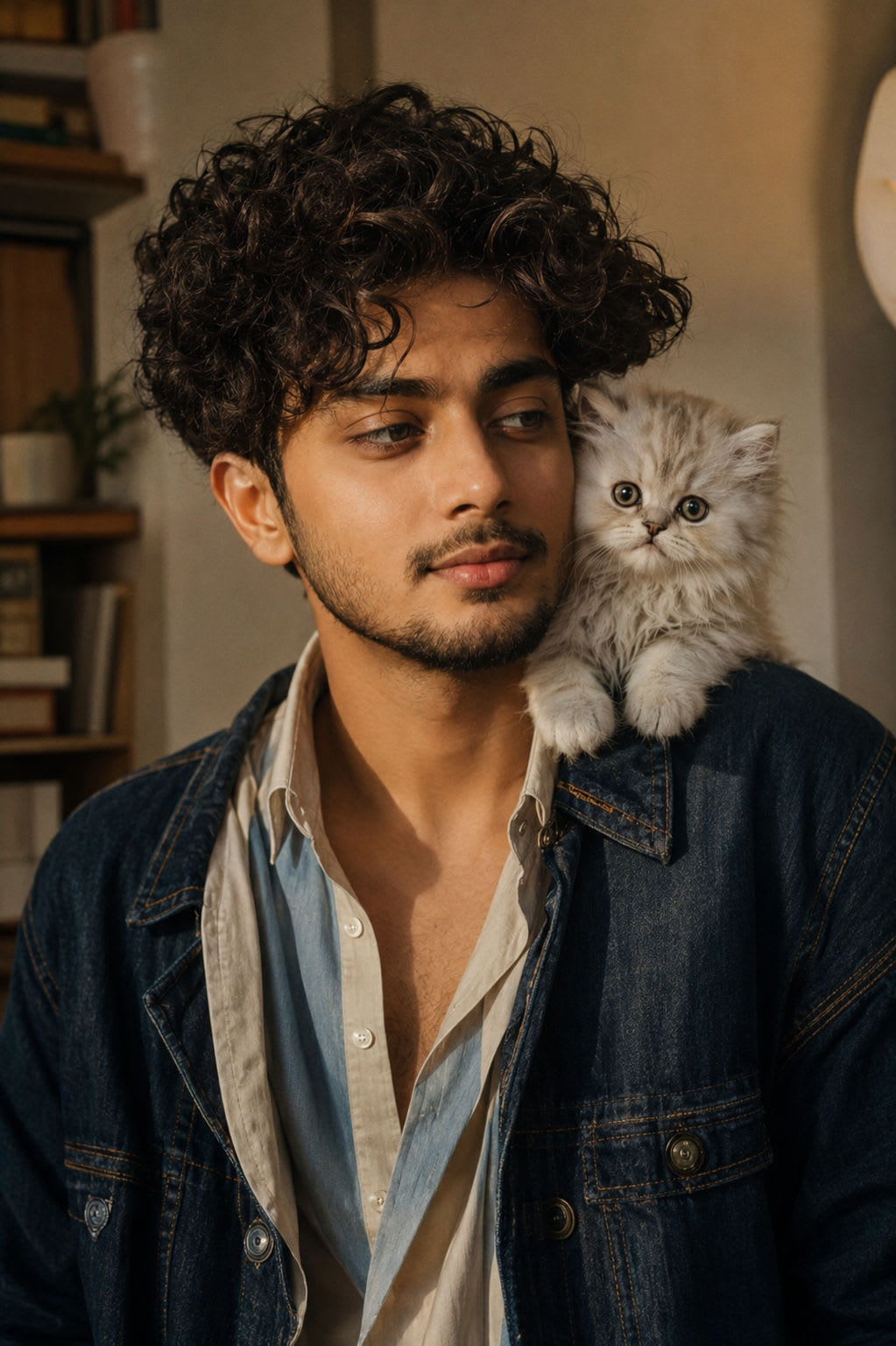
Use the uploaded woman as the exact subject. Keep her face, skin tone, proportions, and natural beauty identical. Create a 3x3 editorial portrait grid where she appears in all panels with subtle but professionally styled pose variations. She is holding and interacting lovingly with a small white Van cat with bright blue eyes. The cat must look adorable, elegant, calm, and photorealistic. The interactions should feel affectionate, natural, and editorial, including gentle cuddling, kissing the cat, holding it close, and soft cheek-to-fur contact.
Subject: Same woman from reference image with long straight brunette hair, natural flow, consistent across panels. Soft natural glam, glowing skin, neutral lips, defined eyes. Minimal white tank top and light blue jeans, unchanged across all panels. Small fluffy white Van cat with vivid blue eyes, elegant face, soft fur, photorealistic, anatomically correct, consistent across panels.
Scene: Clean minimal studio with soft neutral background. Soft daylight, diffused, even skin illumination. Intimate, calm, warm, affectionate, natural, effortless beauty.
Panel directions: panel_1 - holding the white blue-eyed Van cat close to her chest, face near the cat, soft affectionate expression; panel_2 - direct eye contact with camera while gently cradling the cat in her arms, calm editorial pose; panel_3 - looking lovingly at the cat, cheek softly touching its fur, intimate and tender moment; panel_4 - kissing the cat gently on the head, elegant posture, soft emotional beauty portrait; panel_5 - hero center pose, holding the cat securely and naturally, confident and warm editorial composition; panel_6 - slight smile while hugging the cat close, relaxed shoulders, soft luxury portrait feeling; panel_7 - three-quarter profile, cat nestled in her arms, graceful neck line, refined magazine-style composition; panel_8 - chin slightly lifted, cat close to her shoulder, poised and elegant gaze, affectionate but polished; panel_9 - soft turn toward camera while cuddling the cat, serene expression, intimate final frame.
Pose language: very subtle, refined model-like shifts only. Soft, confident, loving, elegant expression. Natural and gentle hands, securely supporting the cat with realistic hand placement. Elongated neck, relaxed shoulders, subtle editorial asymmetry. Gentle cuddling, soft kissing, cheek contact, loving embrace, calm cat handling.
Camera: 85mm portrait lens, close-up to mid shot framing, eye-level angle, sharp focus on eyes, skin texture, and cat fur detail, soft background blur depth of field.
Output style: clean_beauty_editorial, ultra_skin_detail sharpness, very_subtle grain, soft_natural dynamic range, neutral_skin_tone color grade. 4:5 aspect ratio, portrait orientation, ultra_high_res resolution. 3x3 grid layout with thin gutter, no outer border, maximum_identity_lock panel consistency.
Must have: 3x3 grid, same woman in all panels, perfect identity preservation, small white blue-eyed Van cat, natural affectionate interaction with the cat, photorealistic cat anatomy and fur, natural skin texture, clean background, subtle but professional pose variations, editorial beauty portrait feeling, no text.
Negative prompt: identity change, different outfit, different cat color, extra animals, cat distortion, mutated cat face, unrealistic fur, bad anatomy, extra fingers, awkward pose, stiff expression, heavy makeup, harsh lighting, plastic skin, low quality, text, logo, watermark.