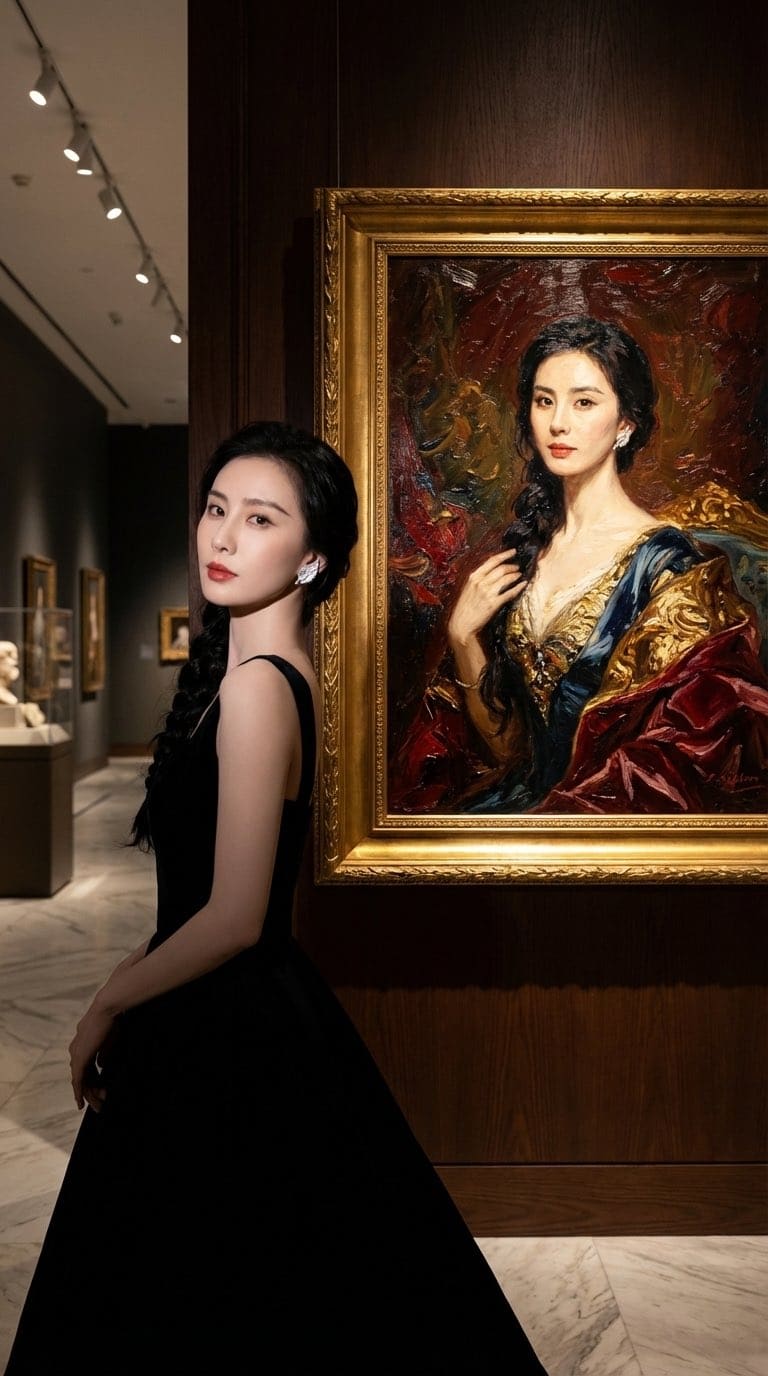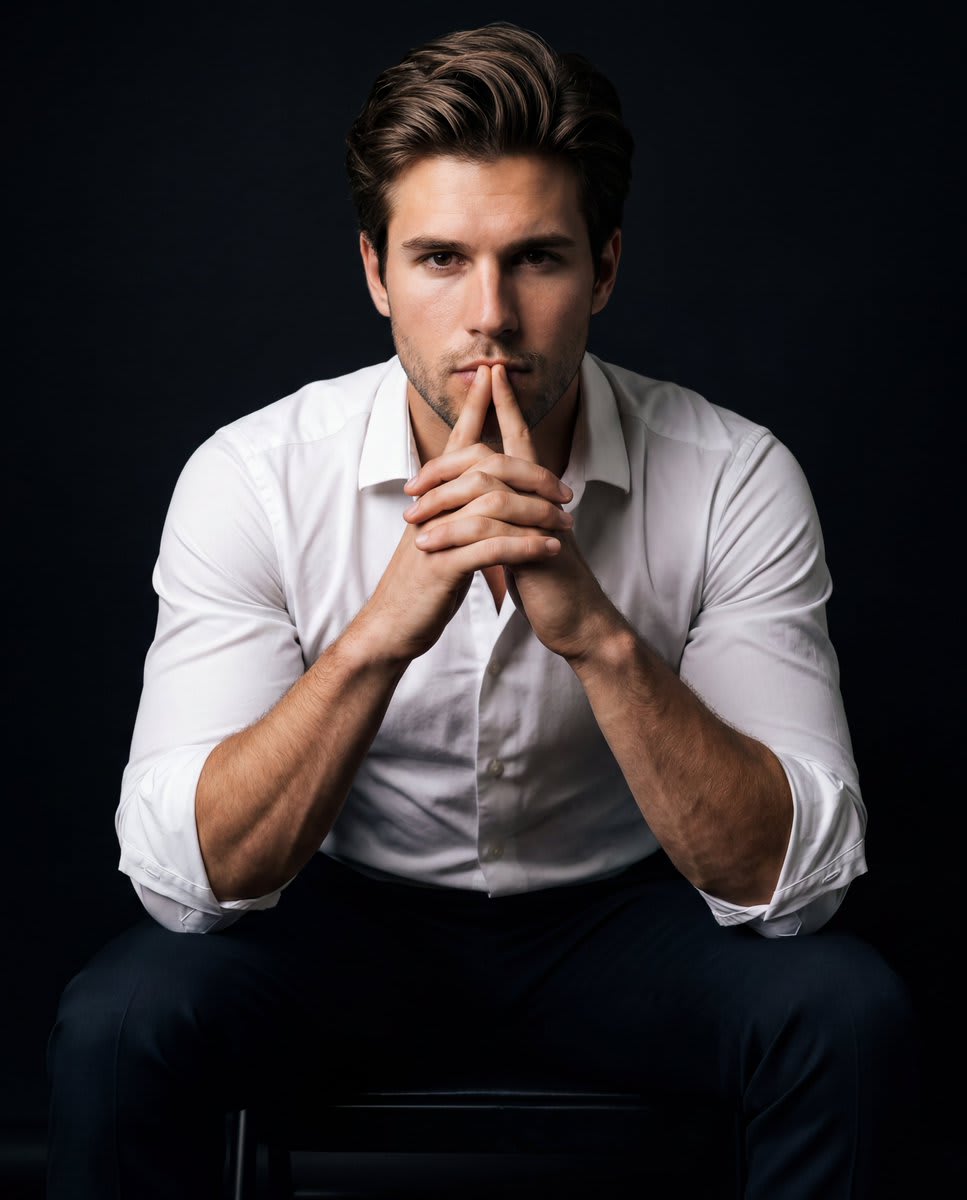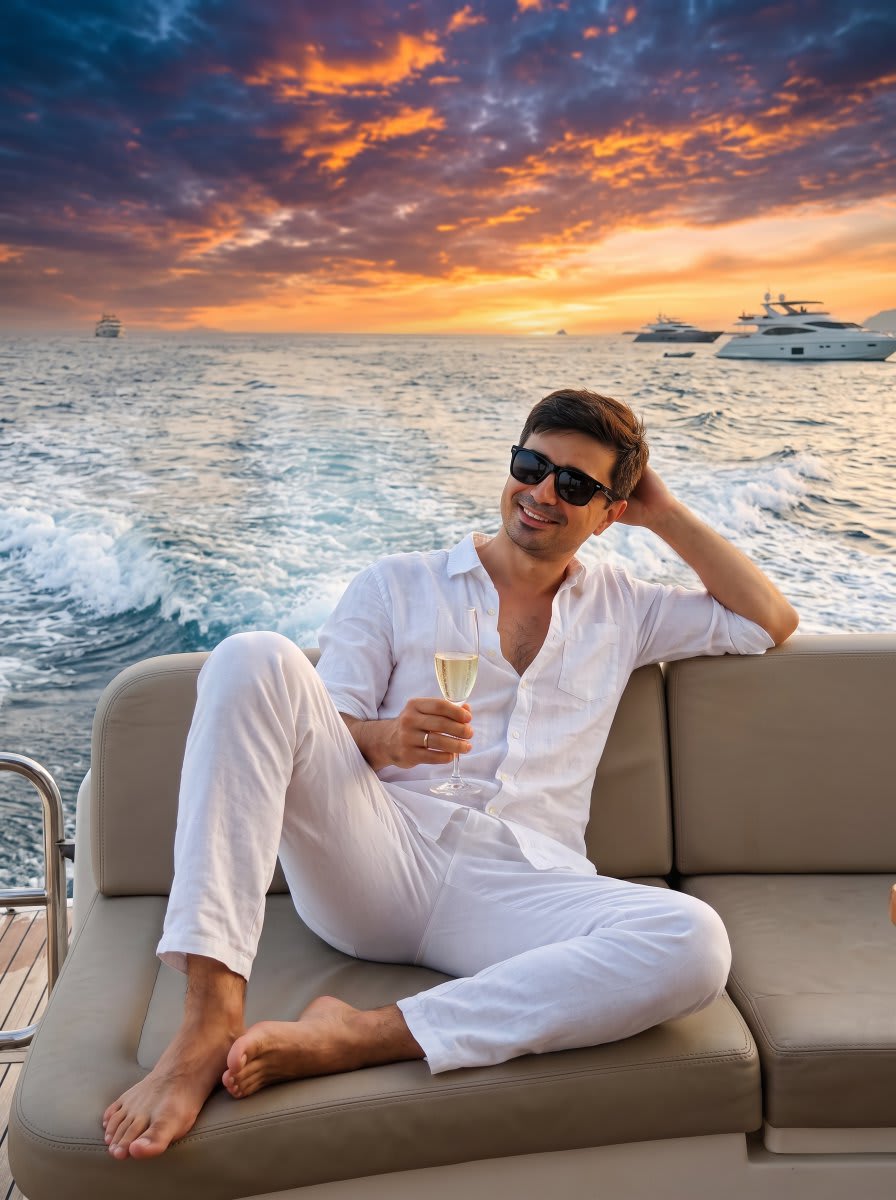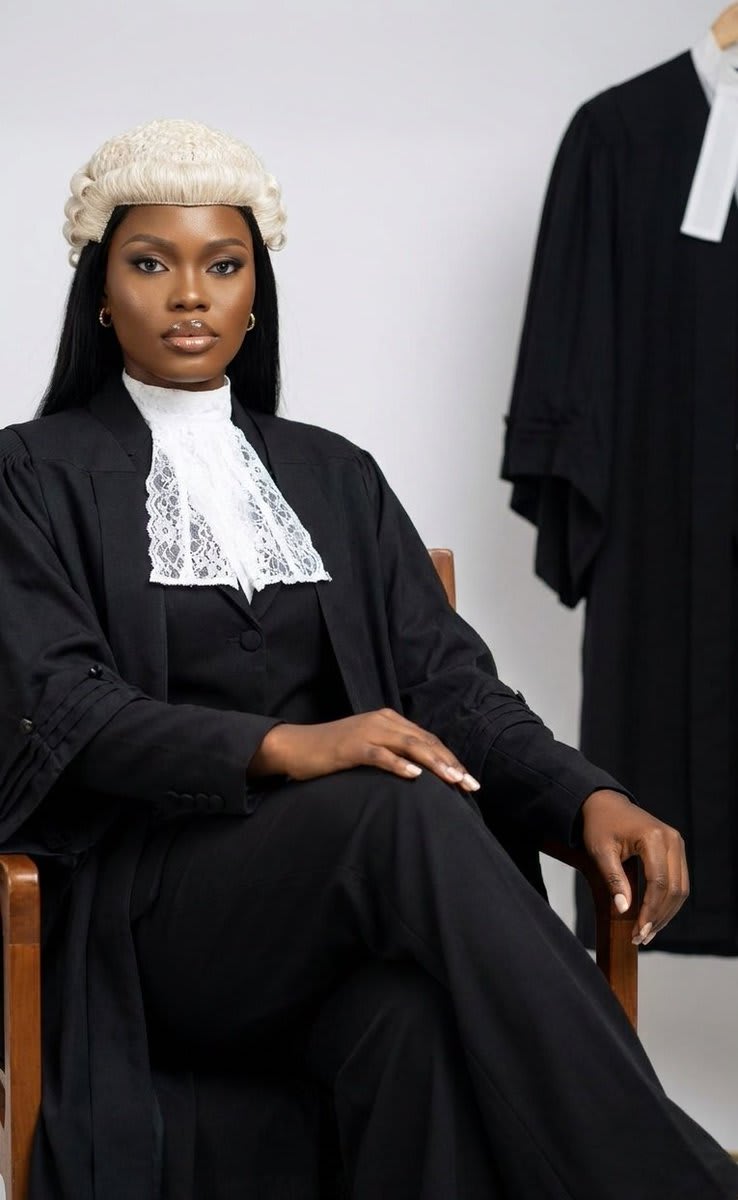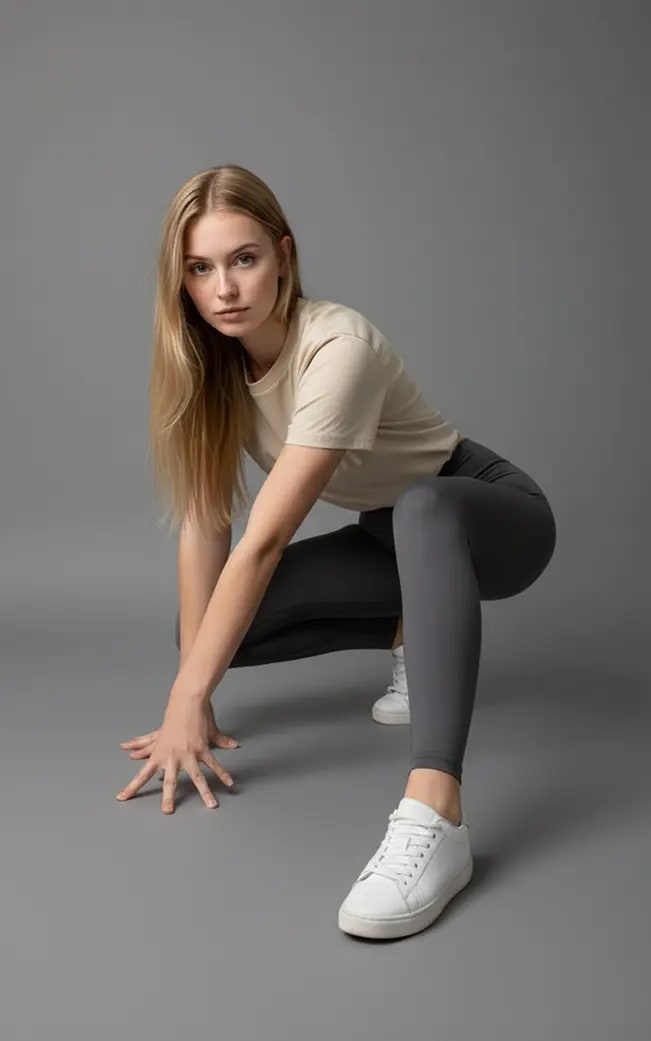
Copy a Pose from a Reference Photo – in a photo studio, AI image made with Nano Banana Pro
Example output · Nano Banana ProCredit: ZHO_ZHO_ZHO

Copy a Pose from a Reference Photo Prompt

Upload a single selfie and this Nano Banana Pro prompt rebuilds it as a copy a pose from a reference photo. The prompt locks in a photo studio, so you get a consistent, share-ready result. It includes face-lock instructions so your facial features, skin tone and expression stay the same.

20 words Needs your photo

Copy a Pose from a Reference Photo prompt text

Copy & paste

Change the pose of the person in Picture 1 to that in Picture 2, and shoot in a professional studio.

How to use this prompt

  1. 1

    Copy the prompt

    Tap "Copy prompt" to copy all 20 words exactly as written.

  2. 2

    Upload your photo

    Open Google Gemini (gemini.google.com) and pick Nano Banana / "Create image", tap the + button and attach one sharp, well-lit photo where your face is clearly visible.

  3. 3

    Paste and generate

    Paste the prompt and send it.

  4. 4

    Refine with follow-ups

    Ask for small changes in the same chat — "make the lighting warmer" or "change the outfit colour to black" — instead of rewriting the prompt.

Make it your own

  • Location: swap a photo studio for a snowy Manali hillside.
  • Format: add "4:5 aspect ratio" for Instagram posts or "9:16" for Reels.

Copy a Pose from a Reference Photo prompt — FAQ

Is the copy a pose from a reference photo prompt free?

Yes. You can copy the full copy a pose from a reference photo prompt on Hixa for free and use it in Google Gemini, ChatGPT or any other AI image tool. No signup is needed.

Will this prompt change my face?

It is written to keep your facial features, skin tone and expression the same as your uploaded photo. For the best likeness, use a sharp, front-facing photo in good light. If the face drifts, reply with "keep my face exactly the same as the uploaded photo".

Which AI tool works best for this prompt?

It is written for Google Gemini's Nano Banana Pro image model. It also works in ChatGPT image generation and most modern AI image tools, though results vary between models.

What aspect ratio should I use?

Use 4:5 for Instagram feed posts, 9:16 for Reels and Stories, and 16:9 for YouTube thumbnails. Add the ratio at the end of the prompt.

More portrait prompts

Similar styles people copy with this one

View all
Reclining in Leopard Print – in a bedroom, AI image made with Nano Banana 2
Gemini
Ultra Photorealistic Studio Beauty Portrait – in a photo studio, AI image made with Nano Banana Pro
Gemini
Multi-Arm Professional Portrait – in a photo studio, AI image made with Nano Banana Pro
Trending
Gemini
Windswept Field Portrait – in an open field, AI image made with Nano Banana Pro
Trending
Gemini
Fine Art Museum Exhibition Portrait – in a museum, AI image made with Nano Banana Pro
Trending
Gemini
Tropical Villa Jacuzzi Candid – in a pool, AI image made with Nano Banana Pro
Gemini
Luxury Lifestyle Car Portrait – in a car, AI image made with Nano Banana Pro
Gemini
Intense Low-Key Studio Portrait – in a photo studio, AI image made with Nano Banana Pro
Gemini
Photorealistic Portrait in a Warm Recording Studio – in a photo studio, AI image made with Nano Banana Pro
Gemini
Ultra-Realistic Yacht Sunset Portrait – in a yacht deck, AI image made with Nano Banana Pro
Gemini
Identity-Preserving Tulle Dress Portrait – in a photo studio, AI image made with Nano Banana Pro
Gemini
Hyper-Realistic Legal Professional Portrait – in a photo studio, AI image made with Nano Banana Pro
Gemini