High-End Portrait Enhancement, AI image made with Nano Banana Pro
Example output · Nano Banana ProCredit: HalimAlrasihi

High-End Portrait Enhancement Prompt

This Nano Banana Pro prompt generates a high-end portrait enhancement from text alone — no reference photo needed. It spells out Kodak film tones, which is why the result looks like a real photograph rather than a generic AI image. Change one detail at a time — outfit, place or light — to get endless variations.

67 words

High-End Portrait Enhancement prompt text

Copy & paste

Enhance and upscale the image while keeping composition and colors identical. Eliminate blur and give the skin a lifelike, detailed look: clear pores, faint fine lines, light freckles, and realistic transitions between shadow and highlight. Maintain the tone of the light and the background, refine edge sharpness around eyes, lashes, lips and hair strands so the portrait appears like a high-end beauty photograph with natural, unplastic skin.

How to use this prompt

  1. 1

    Copy the prompt

    Tap "Copy prompt" to copy all 67 words exactly as written.

  2. 2

    Open Gemini

    Open Google Gemini (gemini.google.com) and pick Nano Banana / "Create image". No reference photo is required for this prompt.

  3. 3

    Paste and generate

    Paste the prompt and send it.

  4. 4

    Refine with follow-ups

    Ask for small changes in the same chat — "make the lighting warmer" or "change the outfit colour to black" — instead of rewriting the prompt.

Make it your own

  • Format: add "4:5 aspect ratio" for Instagram posts or "9:16" for Reels.

High-End Portrait Enhancement prompt — FAQ

Is the high-end portrait enhancement prompt free?

Yes. You can copy the full high-end portrait enhancement prompt on Hixa for free and use it in Google Gemini, ChatGPT or any other AI image tool. No signup is needed.

Which AI tool works best for this prompt?

It is written for Google Gemini's Nano Banana Pro image model. It also works in ChatGPT image generation and most modern AI image tools, though results vary between models.

What aspect ratio should I use?

Use 4:5 for Instagram feed posts, 9:16 for Reels and Stories, and 16:9 for YouTube thumbnails. Add the ratio at the end of the prompt.

More portrait prompts

Similar styles people copy with this one

View all
Split-Screen Aging Portrait – in a photo studio, AI image made with Nano Banana Pro
Gemini
Relaxed Pose in Teal Bodysuit on Outdoor Couch, AI image made with Nano Banana 2
Gemini
Recursive Artist Photography, AI image made with Nano Banana Pro
Gemini
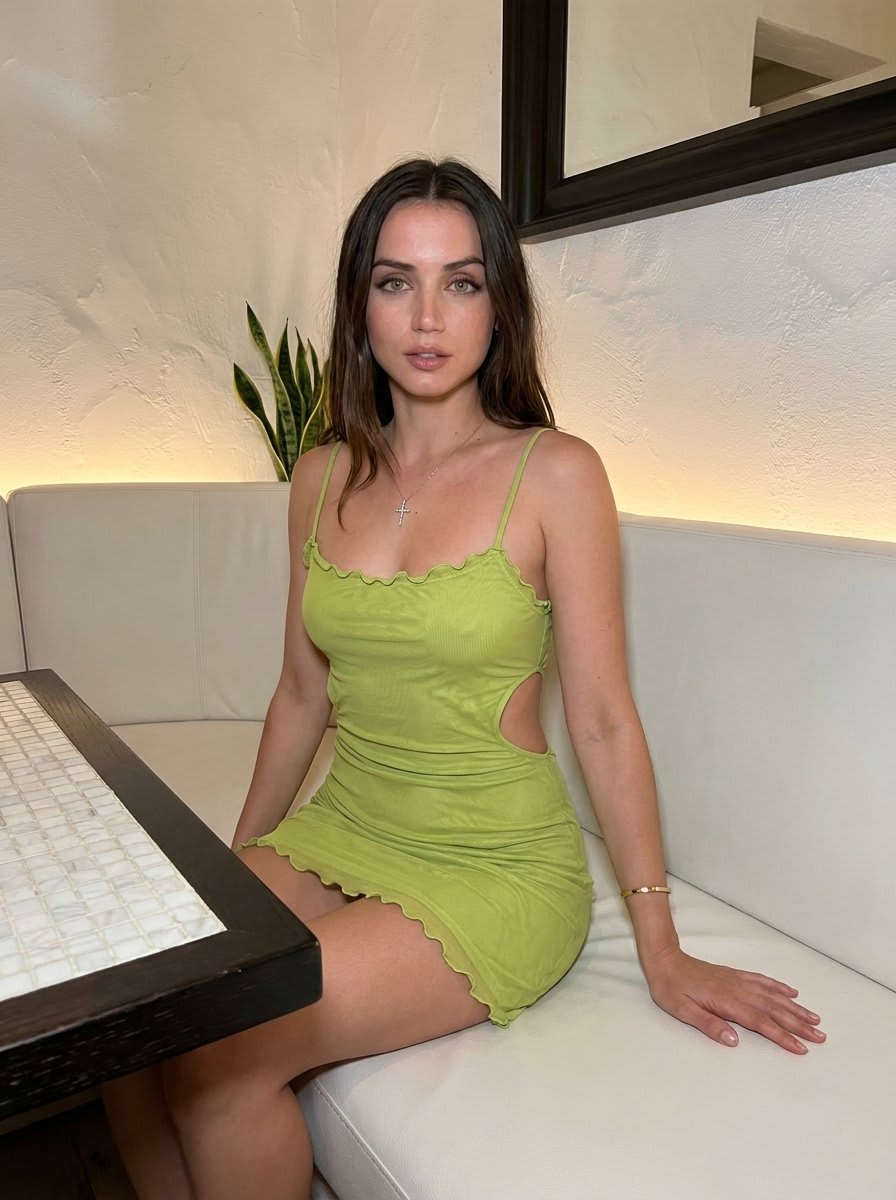
Lime Green Dress Portrait on White Bench – in a restaurant, AI image made with Nano Banana 2
Gemini
Nocturnal Roadside Car Portrait – in a car, AI image made with Nano Banana Pro
Gemini
Melancholic Grass Field Portrait – in an open field, AI image made with Nano Banana Pro
Gemini
Ferrari VIP Grandstand Portrait, AI image made with Nano Banana Pro
Gemini
Luxury Supercar Showroom Portrait, AI image made with Nano Banana Pro
Gemini
Cosplay Character at Convention, AI image made with Nano Banana Pro
Gemini
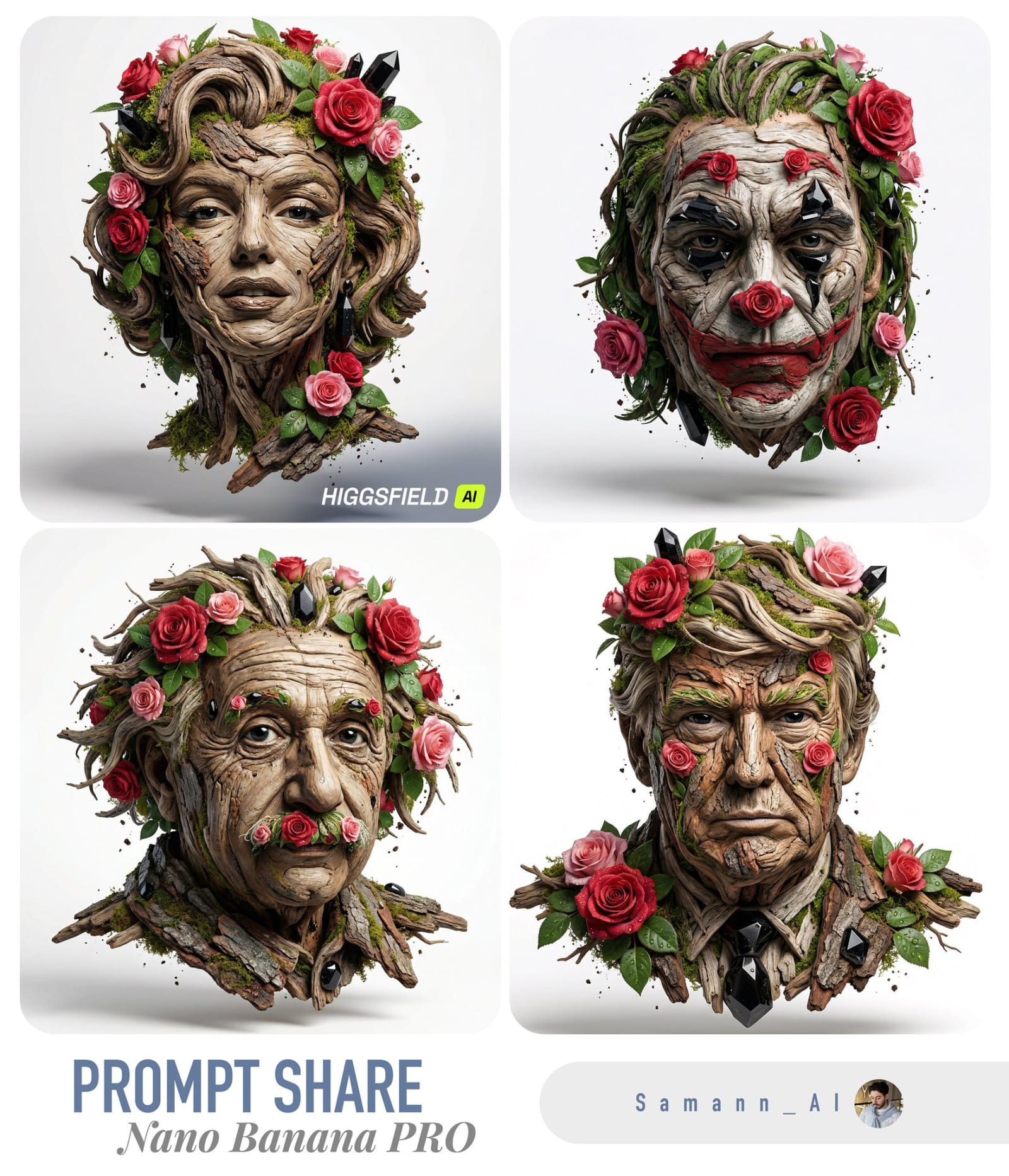
Nature's Sculptural Portrait in Bloom – in a photo studio, AI image made with Nano Banana Pro
Gemini
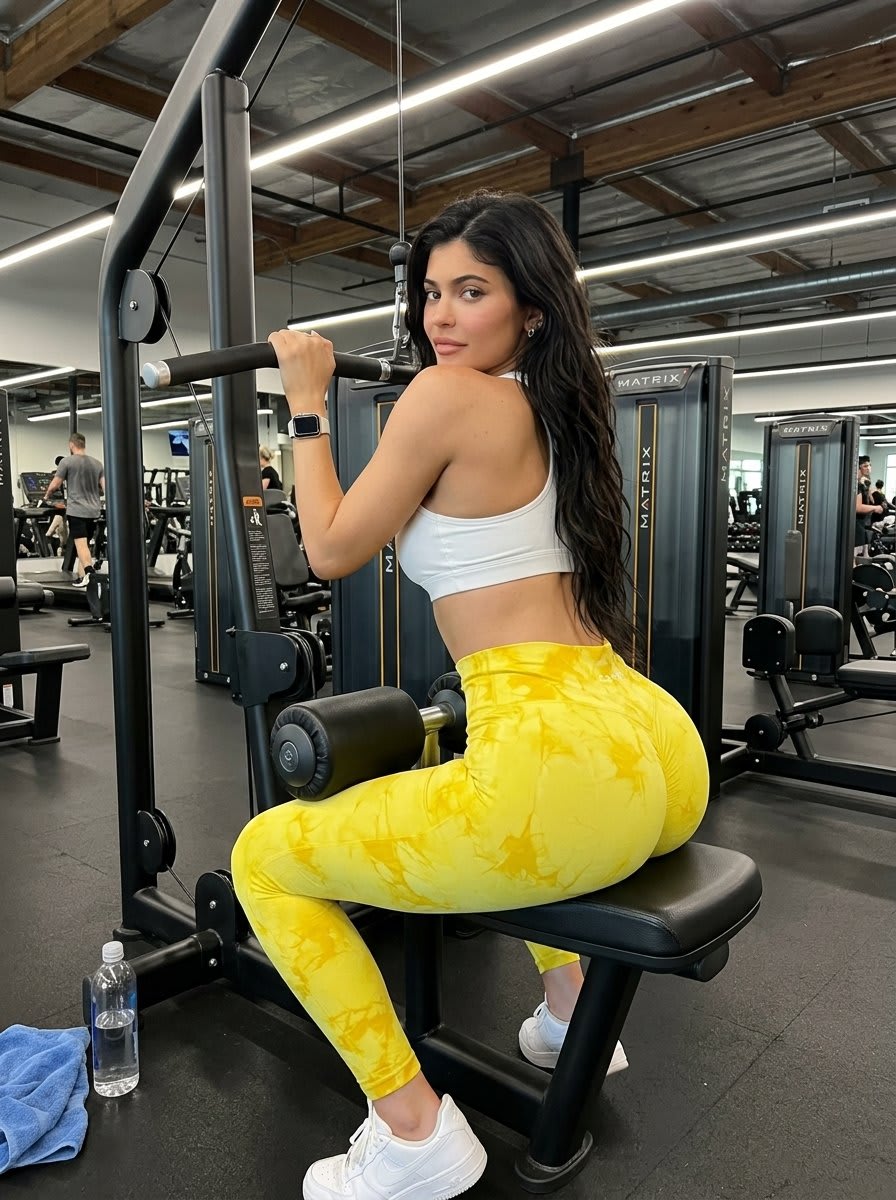
Fitness Portrait in Commercial Gym – in a gym, AI image made with Nano Banana 2
Gemini