 Gemini
Cosplayer in Room Model Comparison
For Girls
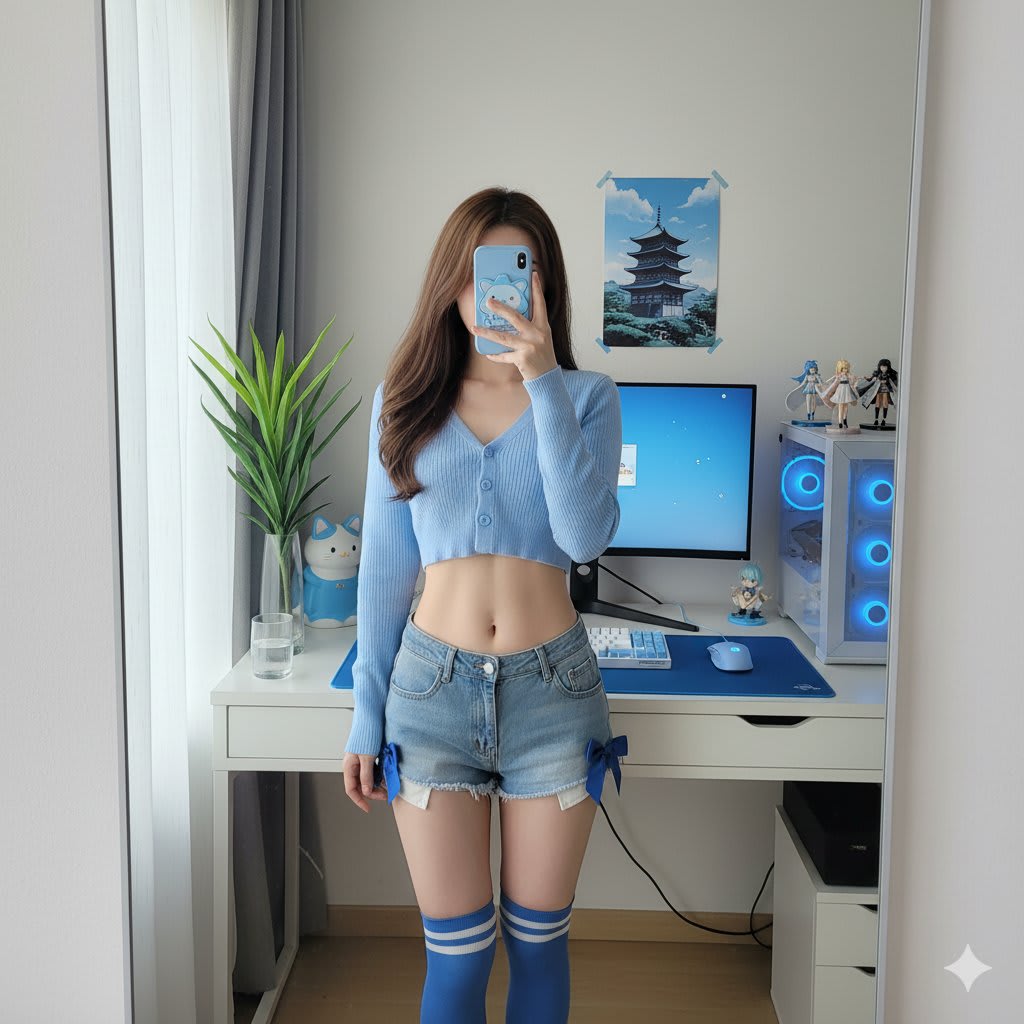
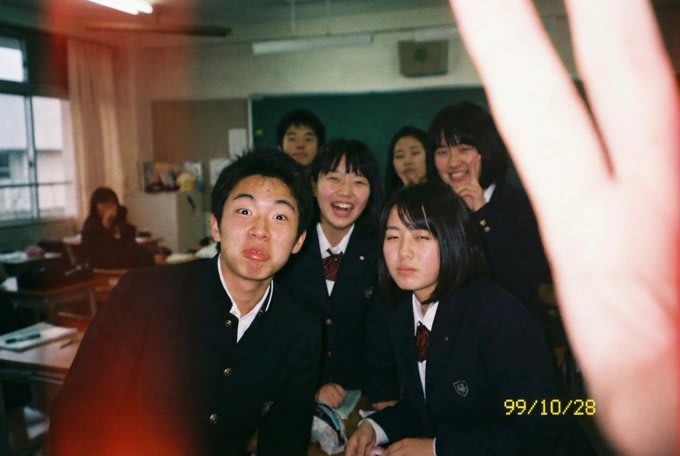
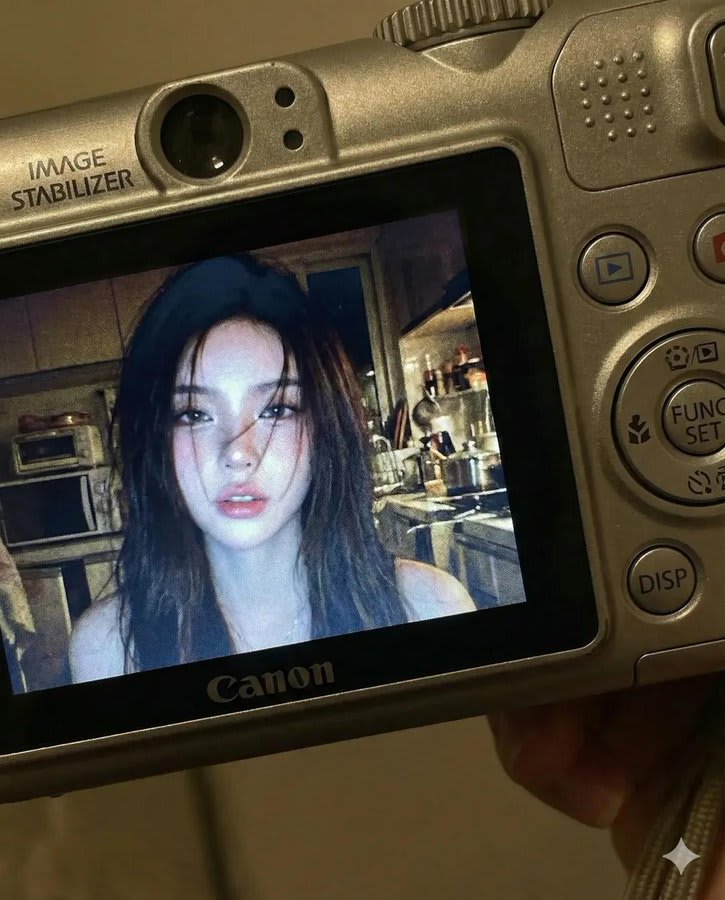
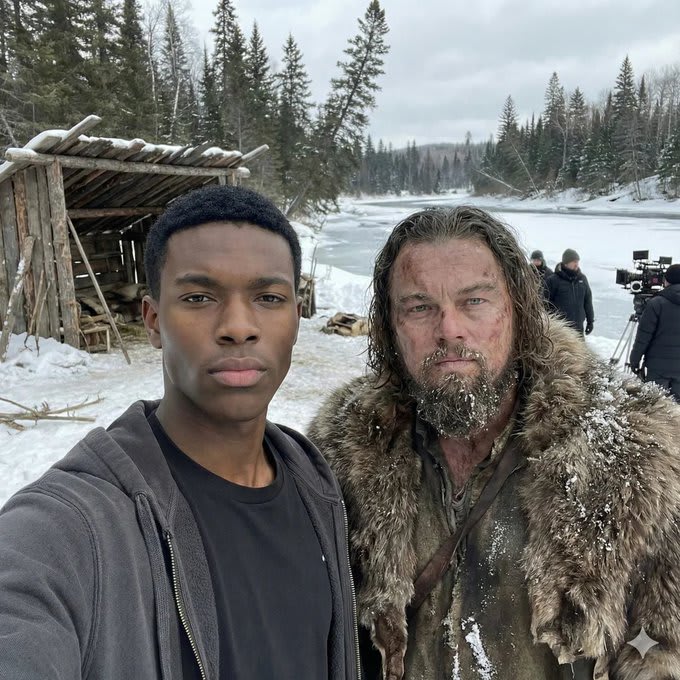
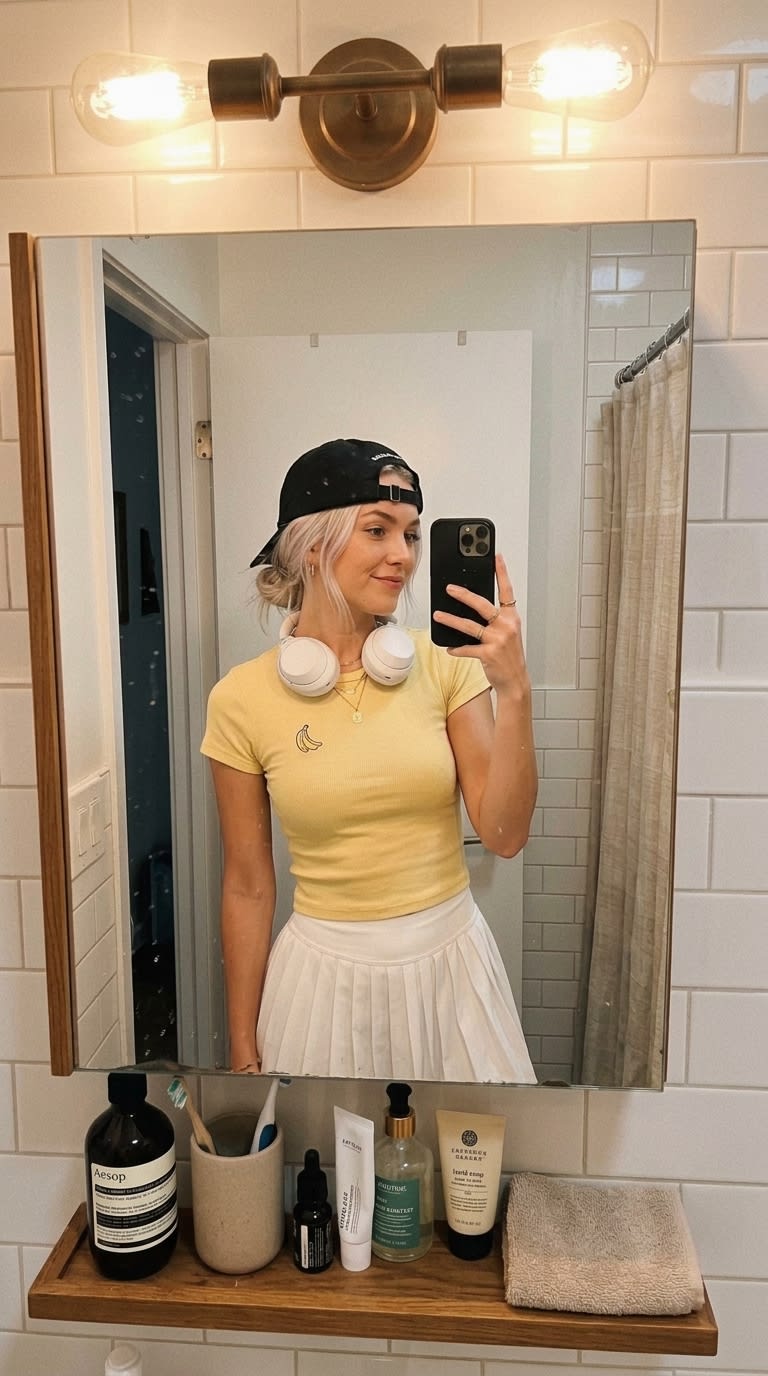
Nano Banana Pro is Google Gemini's image model, and it is the best tool right now for editing your own photos while keeping your face the same. Every prompt here comes with the image it produced, so you can see the result before you copy.
Gemini Gemini
 Gemini
 Gemini
 Gemini
 Gemini
 Gemini
 Gemini
 Gemini
 Gemini
 Gemini
 Gemini
 Gemini
 Gemini
 Gemini
 Gemini
 Gemini
 Gemini
 Gemini
 Gemini
 Gemini
 Gemini
 Gemini
 Gemini
Upload first, then paste
For photo edits, attach your photo in Gemini before sending the prompt. Nano Banana reads the image together with your text, so the order matters less than having both in the same message.
Say what must not change
Phrases like "keep the face, skin tone and expression exactly the same" are what make Nano Banana edits look like you. Most prompts here already include them.
Iterate in the same chat
Ask for one change at a time — "warmer light", "remove the text", "make it 9:16". Gemini keeps the context, so small follow-ups beat rewriting the prompt.
Nano Banana Pro is the nickname for Google's Gemini image model (Gemini 3 Pro Image). It generates images from text and edits uploaded photos while preserving the person's identity, which is why it powers most viral AI photo trends.
Yes. You can use it for free in the Gemini app and at gemini.google.com with a daily limit. Paid Google AI plans raise the limit and unlock higher resolution.
Copy a prompt, open Gemini, choose image creation, attach your photo if the prompt asks for one, paste and send. Ask for small follow-up changes in the same chat.
Most do. ChatGPT's image generation understands the same descriptive language, although face preservation is usually stronger in Gemini.