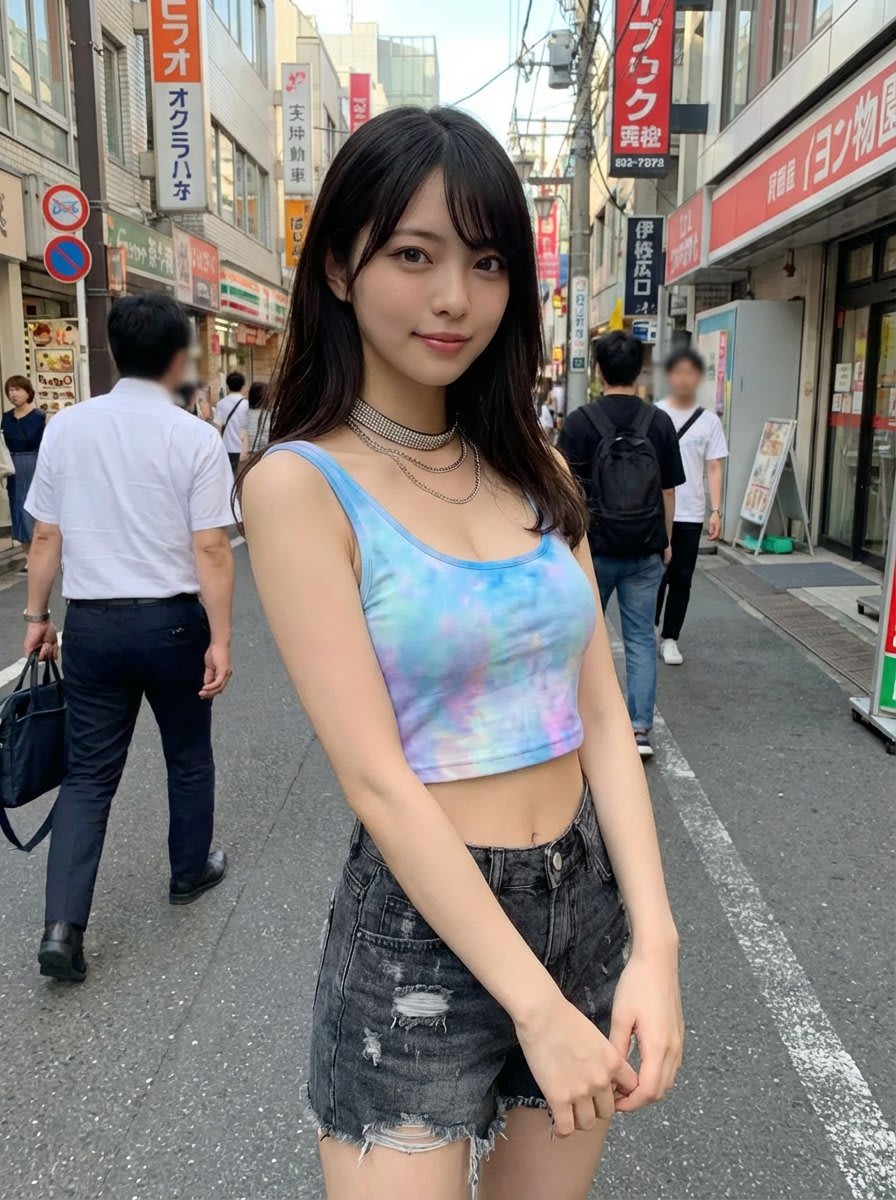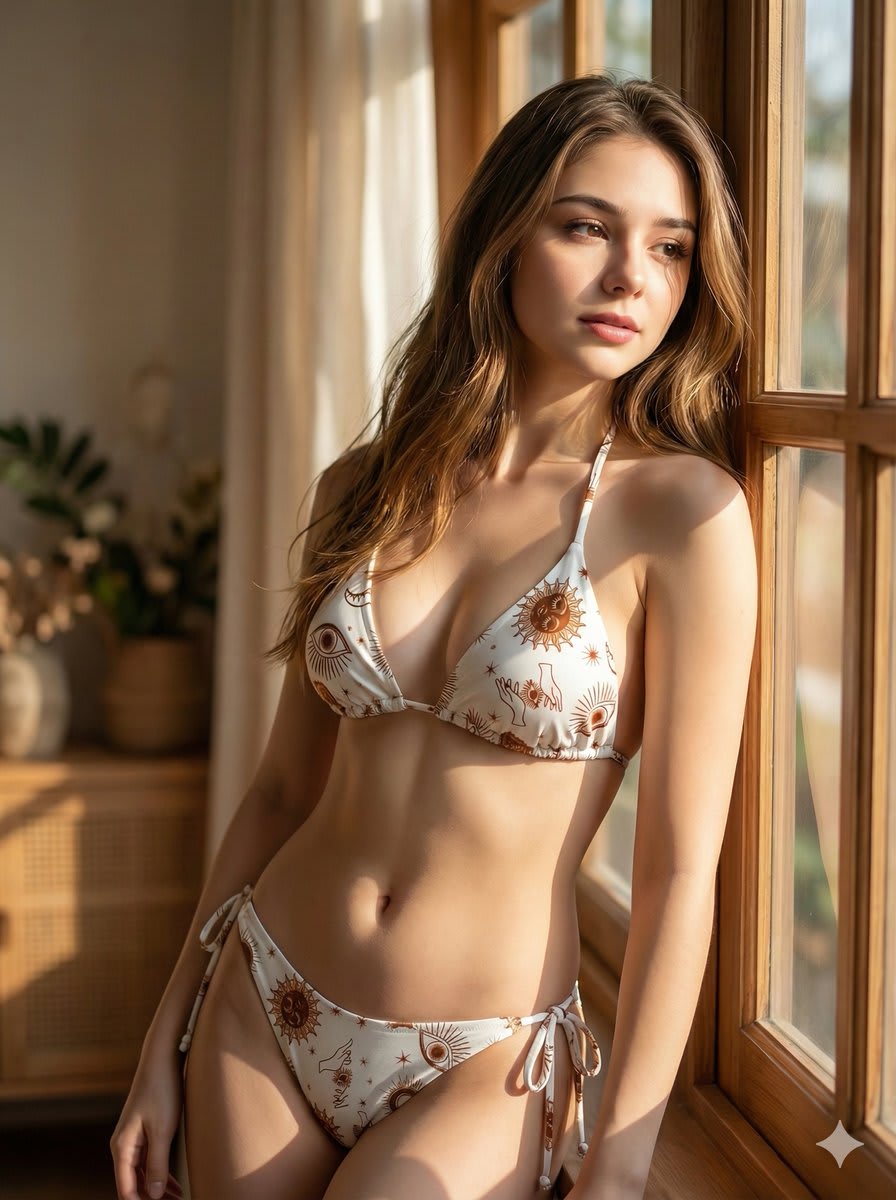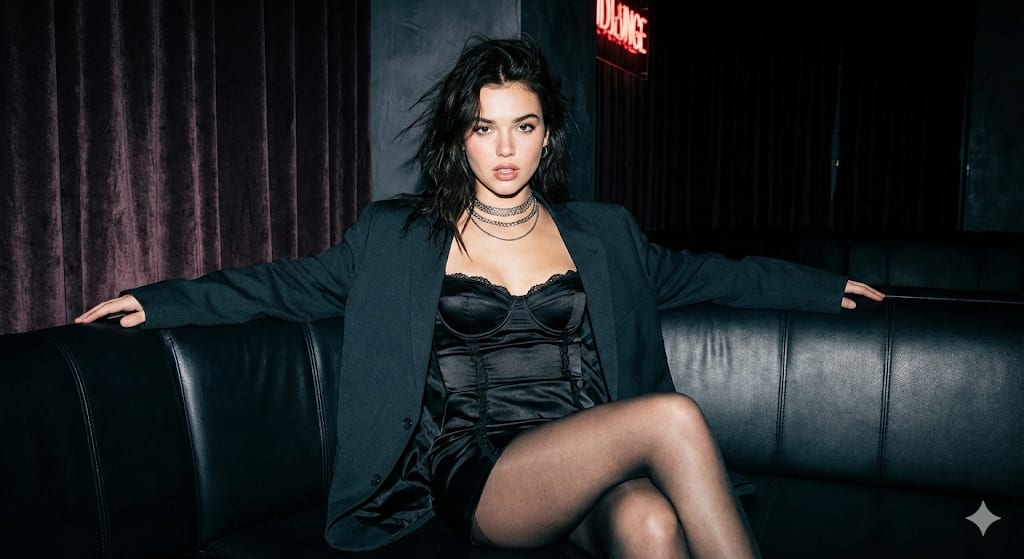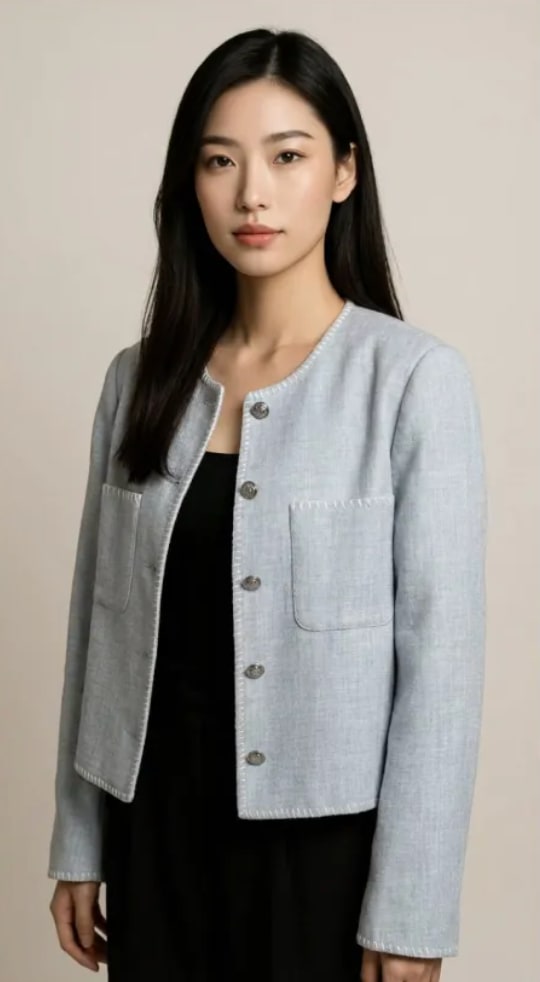
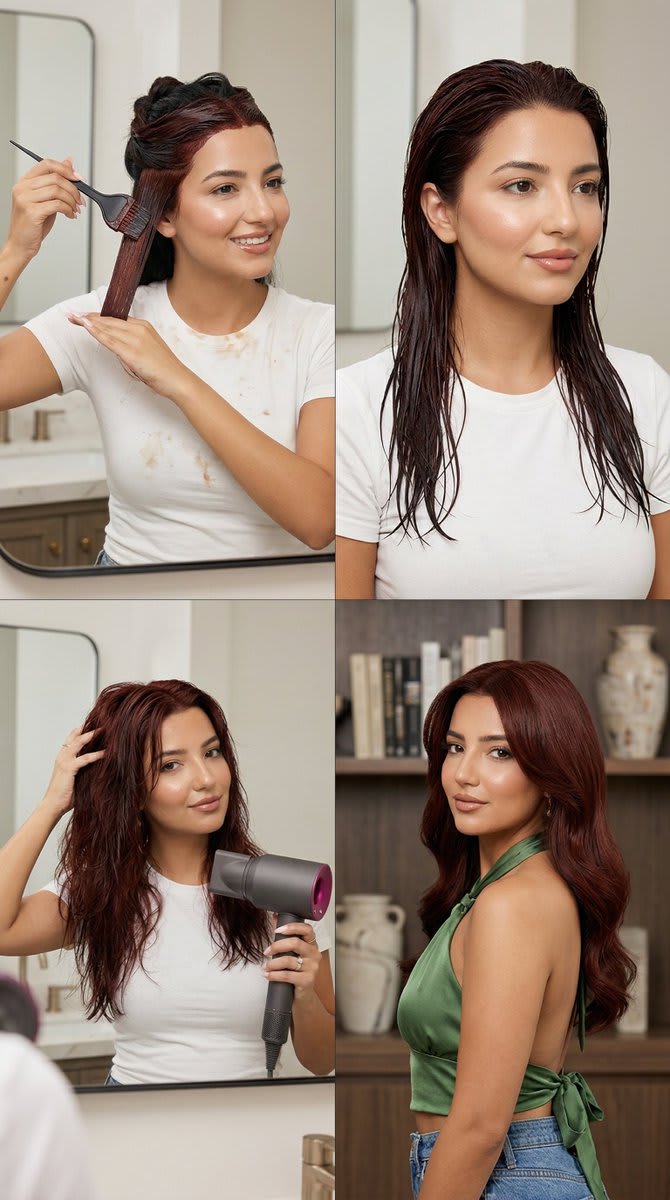
Create a photoreal 2x2 step-by-step beauty transformation grid featuring one young adult woman across four panels with very strong identity consistency. The sequence must read clearly as one continuous at-home hair dye process. Keep the woman visually identical in all panels: same facial structure, same skin tone, same age, same proportions, and same natural beauty direction. Prioritize realism, continuity, and clean anatomy over dramatic complexity. Keep poses simple, believable, and easy to read. Hair transformation must progress logically from dye application to wet post-wash hair, then slightly damp drying stage, then final styled result. The final hair color must be a rich deep auburn-red or dark copper-red with glossy dimensional depth, elegant and luxurious, never bright orange or ginger. Output as 2x2 grid with thin gutter, no outer border, maximum identity lock between panels. Render in premium beauty editorial realism with ultra editorial crisp sharpness, minimal grain, soft rich natural dynamic range, warm luxury beauty color grade. Close beauty portrait or medium-close portrait framing in every panel using 85mm premium portrait lens, sharp on face and hair texture, soft luxurious depth of field with strong facial detail retention. Professional beauty lighting with realistic home ambience, soft controlled flattering light, dimensional but natural, elegant highlights on hair, accurate skin rendering, realistic skin texture no plastic effect. Panel 1: hair dye application step at home, near a mirror or vanity, hair neatly sectioned, visible dye cream applied on front and side sections, one hand applying dye and other stabilizing the hair, simple white T-shirt or white blouse with small natural dye stains, easy readable pose, clean mirror presence without complex reflection distortion. Panel 2: immediately after washing, hair fully wet, darker and more saturated, slick texture, same woman, same white top still visible, calm front or three-quarter angle, no towel wrapping, no chaotic splashes. Panel 3: drying stage, hair slightly damp and softer, deep auburn-red tone becoming clearer, relaxed home beauty moment, simple pose, gentle natural volume beginning to appear. Panel 4: final result, smooth voluminous blow-dried deep auburn-red hair with polished shine and rich dimensional color, wearing green satin halter top tied at the neck and blue jeans, confident fresh expression, premium beauty campaign finish. The exact same woman must appear in every panel with clear identity. Hair color and texture must evolve logically from one panel to next. Beauty direction remains natural and consistent, only hair texture and final outfit change according to the story. All arms, hands, shoulders, neck and mirror interactions must remain physically realistic. Avoid: different woman in each panel, identity drift, different face shape, different age, salon setting, bright orange ginger hair, neon red hair, cartoon, plastic skin, blurry face, bad anatomy, extra fingers, missing fingers, deformed hands, broken wrists, awkward shoulders, impossible arm position, confusing mirror reflection, duplicate reflection, messy unrealistic dye splatter, chaotic composition, cheap lighting, low detail, text, logo, watermark.