 Gemini
Replace Clothing While Keeping Identity and Pose
Outfit Change
Not what you need? Try a category:
Keep my exact face, pose, body, and environment from my original photo. Change ONLY the clothing and accessories so they match the dress and accessories from the second reference image with full accuracy. Do not alter my hairstyle, makeup, body proportions, camera angle, or
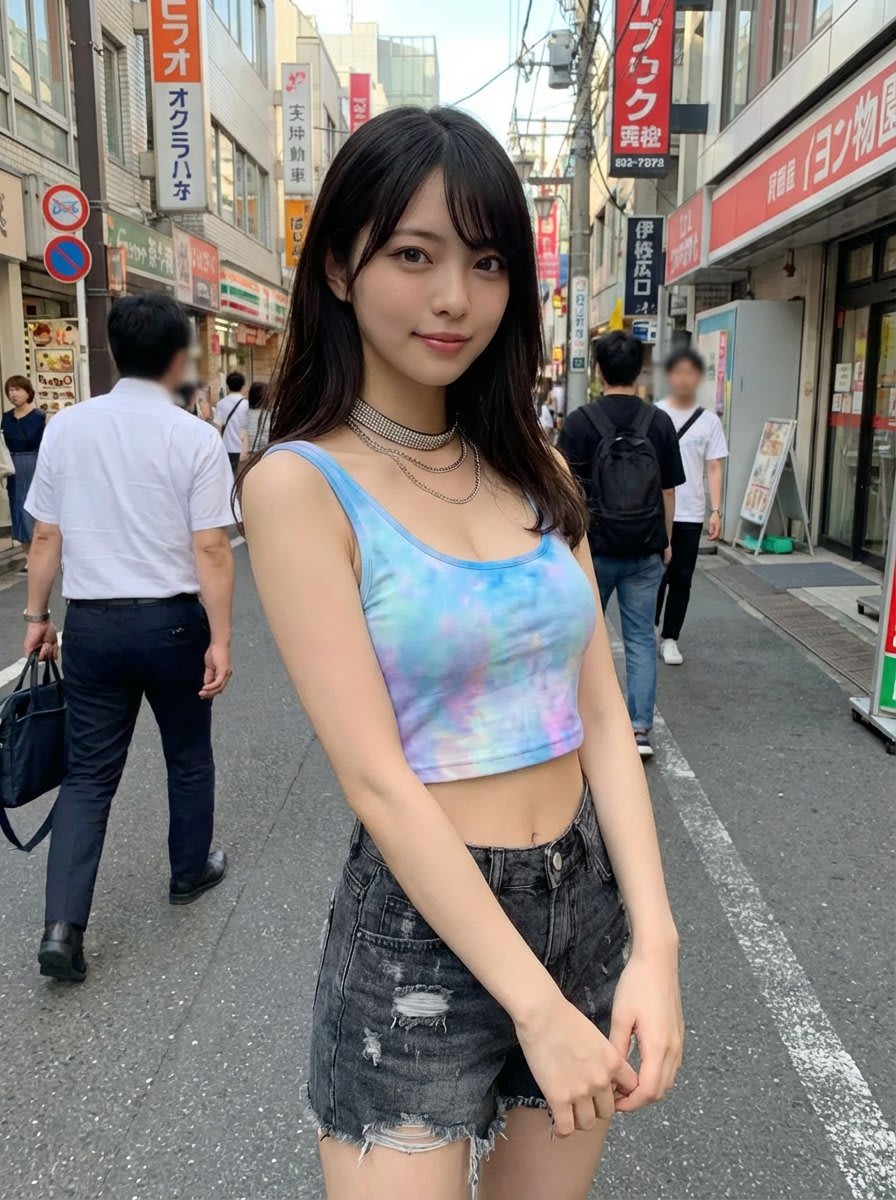
Generate an image of the person from the uploaded reference image, keeping the face and hairstyle exactly the same as in the uploaded image. Dress the person in the clothing from the uploaded clothing image, preserving the style, color, and details of the garment. Pose the person in a cute and natural pose, looking towards the camera. Realistic photo style, natural lighting, high resolution. The background is optional, either neutral or a {argument name="background_location_en" default="Tokyo street"} setting.

reference image + is wearing a coordinated three-piece {argument name="outfit inspiration" default="ditto(pokemon)"}-inspired ensemble. Change the background to one that matches the subject. Pale skin, same expression and makeup as in the reference image

create a {argument name="layout" default="2x2 photo grid"} (four photos) showing a cohesive photoshoot of the same {argument name="subject" default="child"}, using the boy's face from the attached reference photo as the identity source, so the system must take the child's appearance directly from the attached reference image and preserve the same facial features, face geometry, hairstyle, and overall look. remove all scratches or marks from the boy's face, keeping the skin clean and natural while maintaining realistic skin texture, the clothing and appearance must remain exactly the same as in the attached reference photo, with no changes to outfit, colors, or styling, the boy should have a confident, playful expression with a stylish slightly cheeky "cool kid" vibe. the photoshoot style should be {argument name="style" default="bright natural light, lifestyle portrait photography"}, shallow depth of field, soft neutral background, realistic skin tones, and a candid modern family photoshoot look, all four images must show the same boy, the same outfit from the reference photo, and the same visual style, but with different camera angles and compositions. the four shots should include a close-up portrait where the boy slightly lowers the sunglasses while looking at the camera, a medium shot with the boy standing casually and adjusting the sunglasses with one hand, a side-angle portrait where the boy looks slightly to the side with sunglasses on in a relaxed pose, and a three-quarter portrait where the boy smiles confidently toward the camera with a playful attitude. the result should be photorealistic photography with natural lighting and consistent color grading across all four images so they look like one professional photoshoot, and the output must be a single image composed as a clean 2x2 grid of four photos, with no text, no logos, and no watermarks.

Replace the background with [{argument name="holiday theme background" default="Holiday theme background"}]. Change the person's outfit to [{argument name="outfit" default="Outfit"}]. The person is holding a [{argument name="object" default="Object"}]. Don't change the person's pose Show me this photo as if a professional photographer captured it with proper lightly, color grading, depth of field. Also replace the background with {argument name="new background" default="jurassic dinosaur christmas time"}. The man is holding a {argument name="new object" default="dinosaur"}. Don't change the man's pose

Take the clothing from the reference and change my clothing to match it

Replace the person's clothing in the input image with the target clothing shown in the reference image. Keep the person's pose, facial expression, background, and overall realism unchanged. Make the new outfit look natural, well-fitted, and consistent with lighting and shadows. Do not alter the person's identity or the environment — only change the clothes.
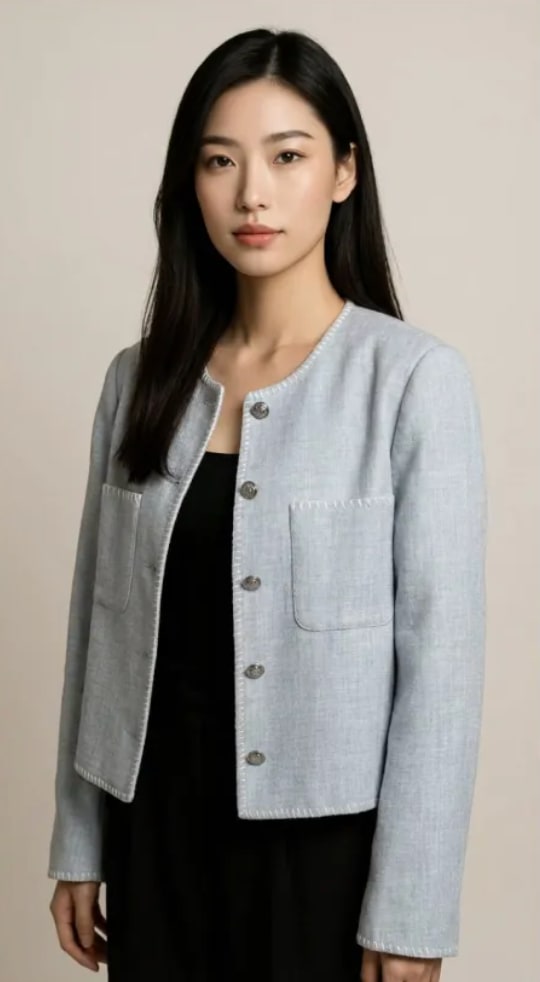
Using Image 1 (the garment) and Image 2 (the model), create a hyper-realistic full-body fashion photo where the model is wearing the garment. Crucial Fit Details : The [T-shirt/Jacket] must drape naturally on the model's body, conforming to their posture and creating realistic folds and wrinkles . Harmonious Integration : Match the color temperature and direction of the light on the clothes with the original scene . High-end commercial fashion catalogue look.
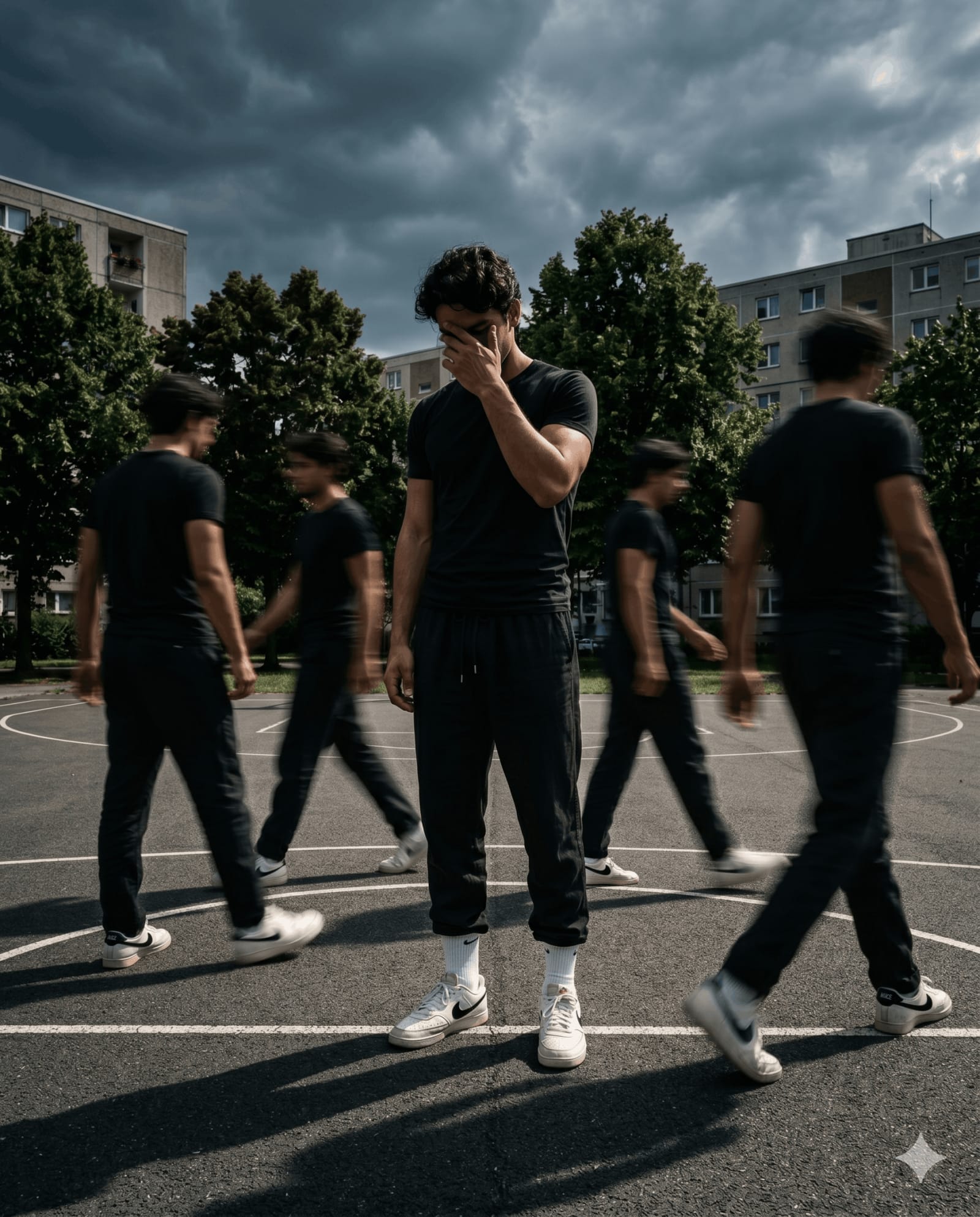
A cinematic streetwear photoshoot of a teenage boy standing on an outdoor basketball court. Do not change the outfit or face. Head slightly down, covering face with hand, natural relaxed pose. Multiple motion clones of the same person walking around him, creating a realistic motion blur effect. Dramatic lighting, dark moody sky, high contrast, sharp focus on main subject, depth of field. Fashion editorial style, urban environment, trees in background, realistic shadows. 4K ultra realistic, Nike-style campaign, poster design. Aspect ratio 4:5.