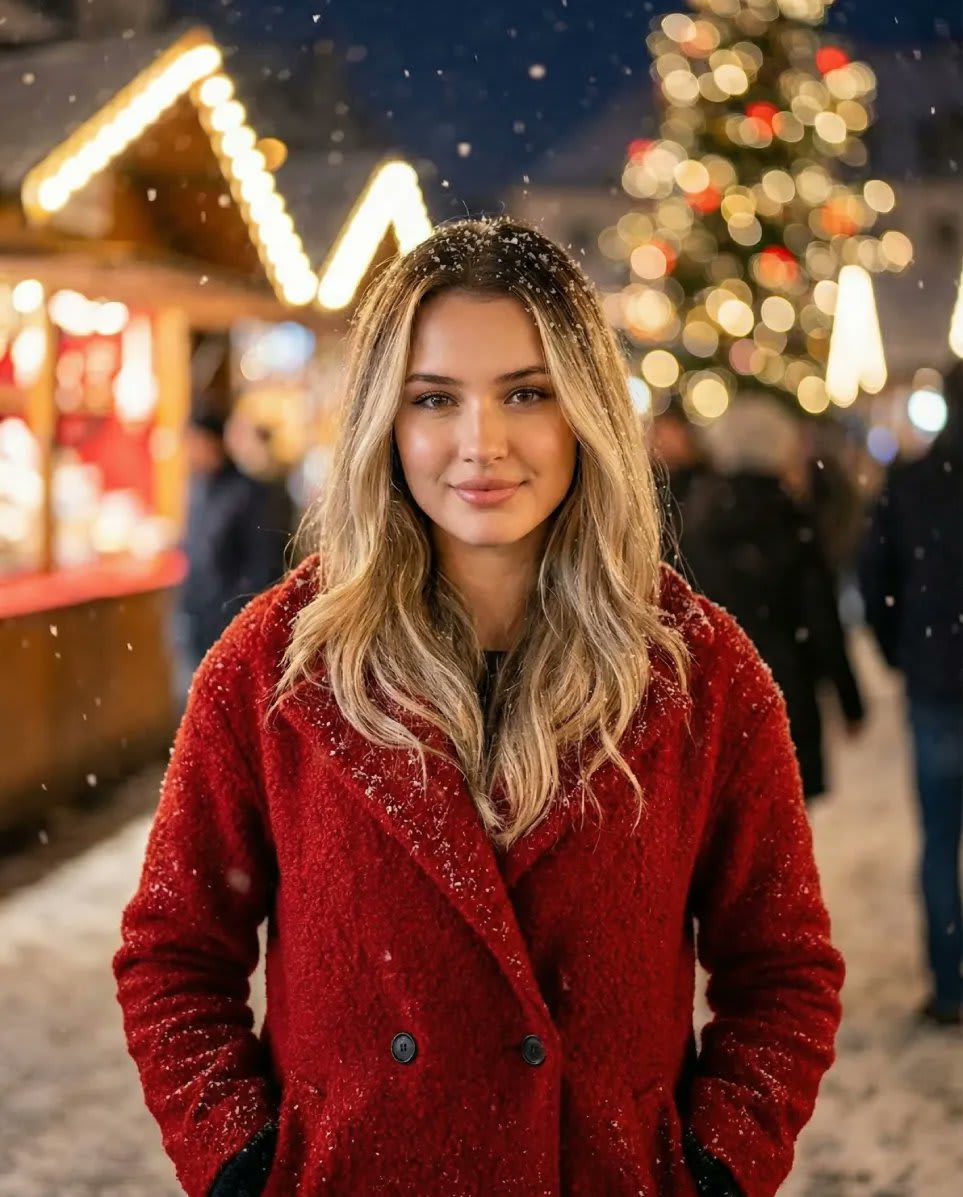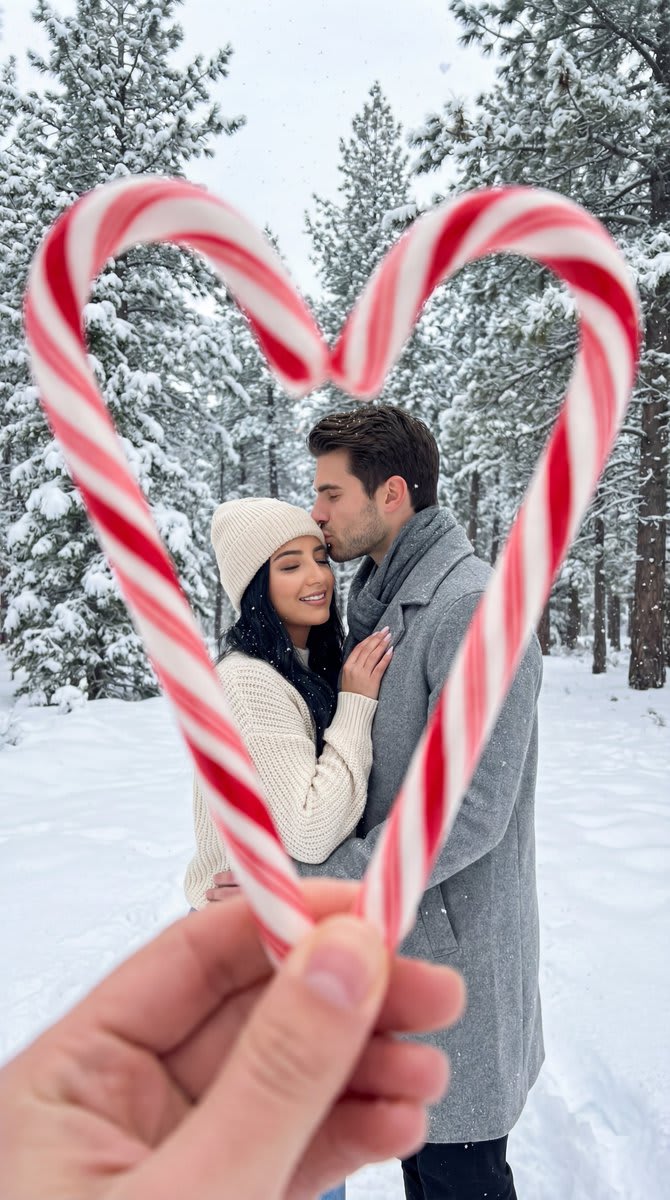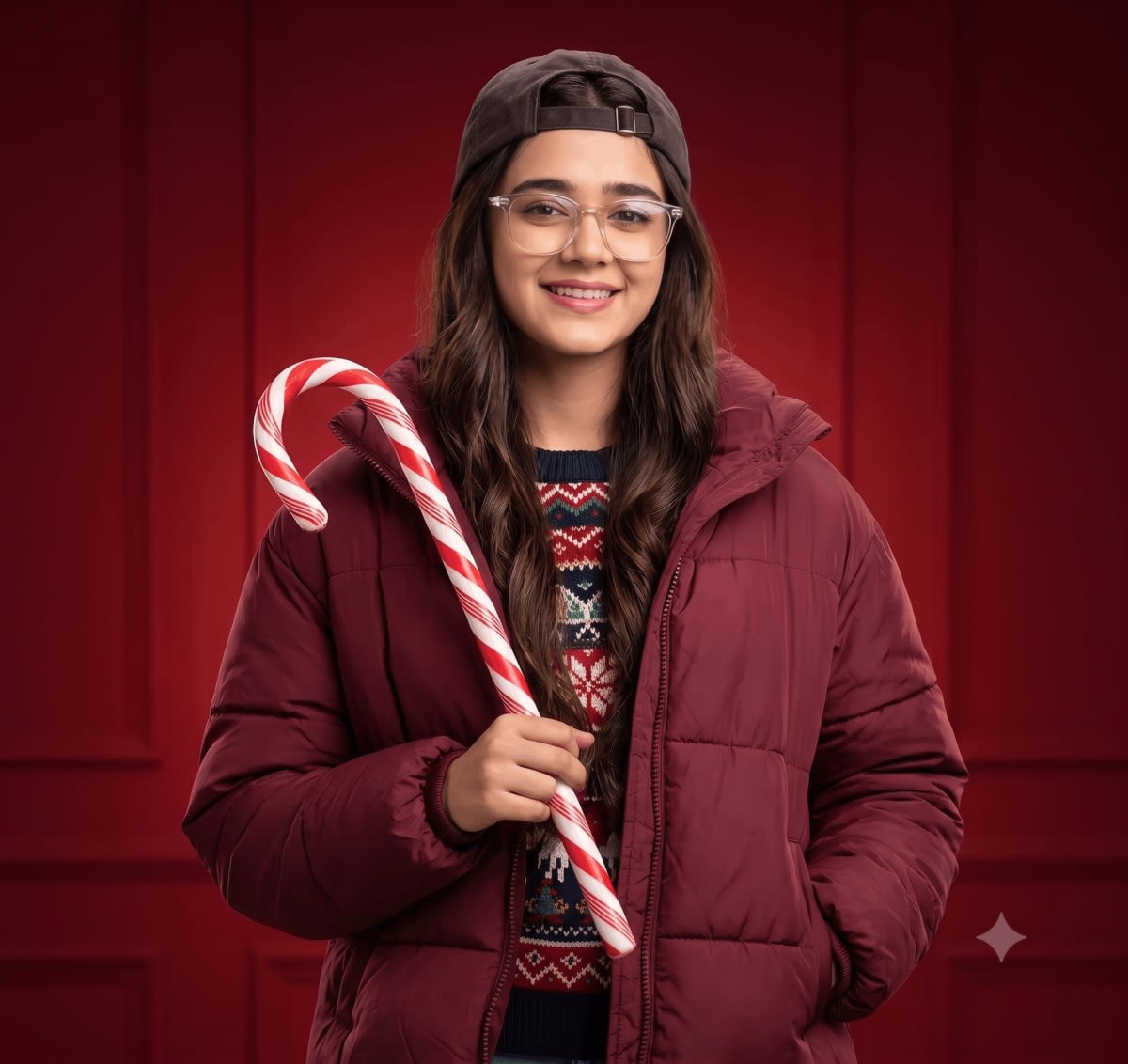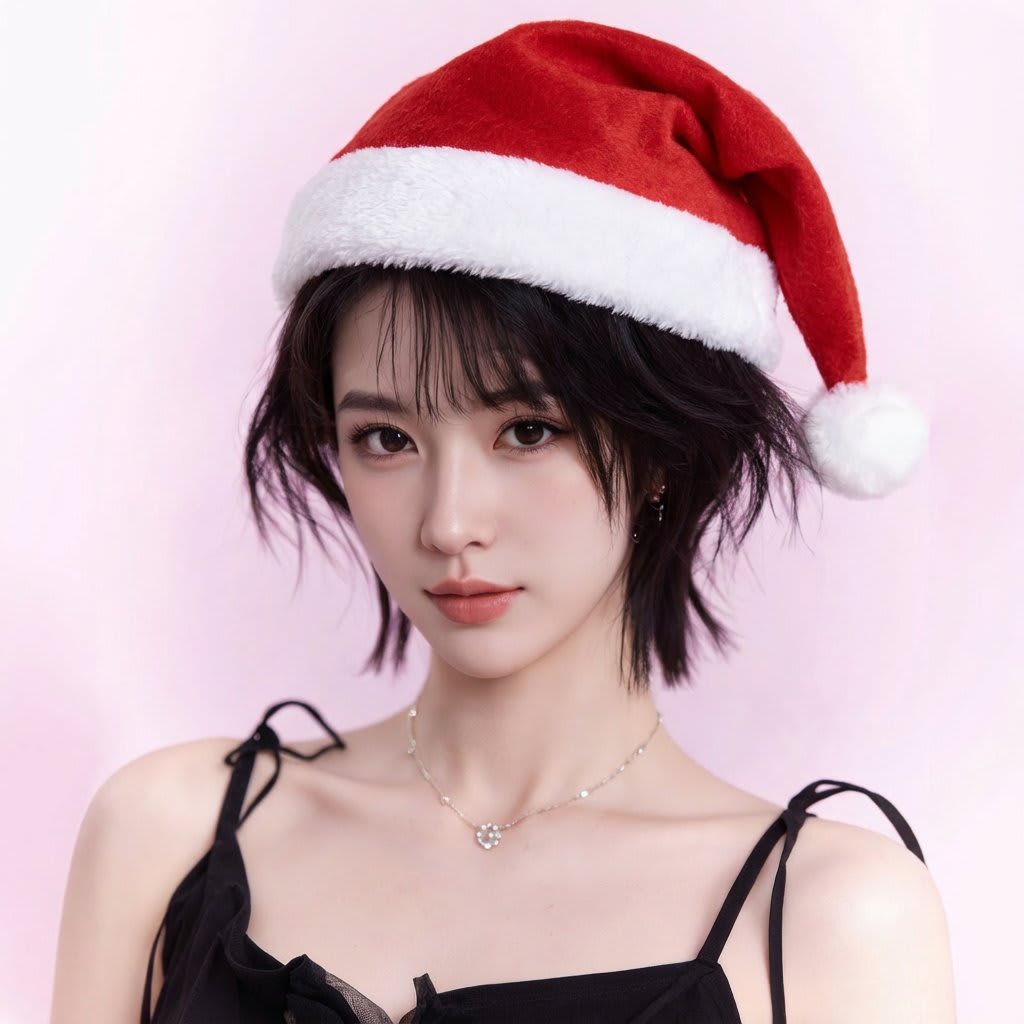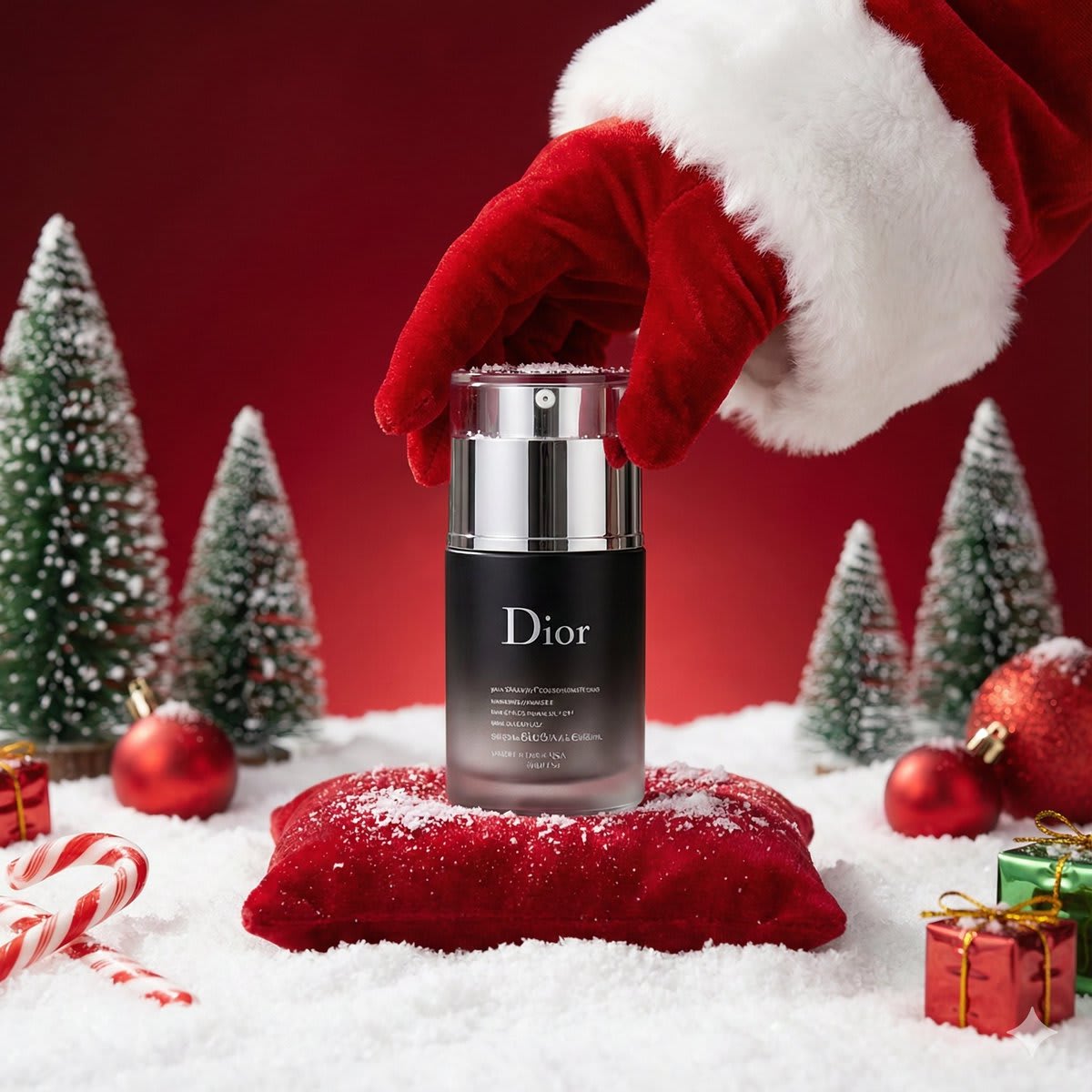
Luxury Christmas Product Photoshoot – in falling snow, AI image made with Nano Banana Pro
Example output · Nano Banana ProCredit: Aleena Amir

Luxury Christmas Product Photoshoot Prompt

Use this prompt in Gemini to restyle your own photo as a luxury Christmas product photoshoot without losing your likeness. It spells out falling snow, rim lighting and 85mm portrait lens and shallow depth of field, which is why the result looks like a real photograph rather than a generic AI image. Identity-preservation wording is built in, so the edit changes the scene — not your face.

223 words Needs your photo

Luxury Christmas Product Photoshoot prompt text

Copy & paste

A luxury Christmas-themed product photoshoot set in a {argument name="environment type" default="COZY / STUDIO / OUTDOOR"} environment. Place the uploaded product image as the hero object, standing upright at the center of the frame. The product must remain EXACTLY unchanged in [shape, size, material, colors, label design, typography, logos, and all visible text]. Do not modify, recreate, translate, enhance, or stylize any product text. Scene & background: A festive {argument name="background type" default="BACKGROUND TYPE — e.g. wooden windowsill, velvet studio backdrop, snowy landscape"} with {argument name="seasonal details" default="SEASONAL DETAILS — e.g. softly falling snow, blurred Christmas tree lights, winter village bokeh"}. Foreground includes subtle holiday accents such as {argument name="festive props" default="FESTIVE PROPS — e.g. holly, ribbons, ornaments, fairy lights"}, placed naturally and never covering the product. Styling: Optional festive accessory on the product such as {argument name="festive accessory" default="HAT / SCARF / RIBBON"}, perfectly fitted without altering the product’s structure or covering the label. Lighting & camera: Warm golden Christmas lighting contrasted with cool winter tones. Soft diffused light, gentle rim lighting for depth, no glare or harsh reflections on the product text. Shallow depth of field with a softly blurred background. Shot on DSLR, {argument name="lens" default="LENS — e.g. 85mm"}, professional product photography. Quality & mood: Ultra-high resolution, photorealistic textures, premium holiday advertising aesthetic, clean editorial composition, cozy, elegant, and festive.

How to use this prompt

  1. 1

    Copy the prompt

    Tap "Copy prompt" to copy all 223 words exactly as written.

  2. 2

    Upload your photo

    Open Google Gemini (gemini.google.com) and pick Nano Banana / "Create image", tap the + button and attach one sharp, well-lit photo where your face is clearly visible.

  3. 3

    Paste and generate

    Paste the prompt and send it.

  4. 4

    Refine with follow-ups

    Ask for small changes in the same chat — "make the lighting warmer" or "change the outfit colour to black" — instead of rewriting the prompt.

Make it your own

  • Location: swap falling snow for a rainy Mumbai street.
  • Lighting: try golden-hour light instead of rim lighting for a different mood.
  • Format: add "4:5 aspect ratio" for Instagram posts or "9:16" for Reels.

Pro tip: A detailed Gemini Nano Banana Pro prompt template for generating high-end Christmas-themed product photography. It ensures the uploaded product remains visually unchanged while placing it in a festive environment with specific background types, seasonal details, warm golden lighting, and a shallow depth of field for a premium advertising aesthetic.

Luxury Christmas Product Photoshoot prompt — FAQ

Is the luxury Christmas product photoshoot prompt free?

Yes. You can copy the full luxury Christmas product photoshoot prompt on Hixa for free and use it in Google Gemini, ChatGPT or any other AI image tool. No signup is needed.

Will this prompt change my face?

It is written to keep your facial features, skin tone and expression the same as your uploaded photo. For the best likeness, use a sharp, front-facing photo in good light. If the face drifts, reply with "keep my face exactly the same as the uploaded photo".

Which AI tool works best for this prompt?

It is written for Google Gemini's Nano Banana Pro image model. It also works in ChatGPT image generation and most modern AI image tools, though results vary between models.

What aspect ratio should I use?

Use 4:5 for Instagram feed posts, 9:16 for Reels and Stories, and 16:9 for YouTube thumbnails. Add the ratio at the end of the prompt.

More christmas prompts

Similar styles people copy with this one

View all
Chibi Christmas City Portrait – woman in a city street, AI image made with Nano Banana Pro
Trending
Gemini
9-Panel Christmas Photobooth Collage for Nano Banana Pro – in a photo studio, AI image made with Nano Banana Pro
Gemini
Photorealistic Christmas DJ Editorial – woman in a corset in falling snow, AI image made with Nano Banana Pro
Gemini
Cozy Christmas Market Portrait with Identity Preservation – in falling snow, AI image made with Nano Banana Pro
Gemini
Photoreal Winter Couple Portrait with Candy Cane Frame – couple in a forest, AI image made with Nano Banana Pro
Gemini
9-Grid K-Pop Idol Photocard Style Prompt (JSON) – woman in a photo studio, AI image made with Nano Banana Pro
Gemini
6-Panel Fair Isle Sweater Christmas Collage – in falling snow, AI image made with Nano Banana Pro
Gemini
Festive Candy Cane Studio Portrait, Customizable Jacket Color – in a photo studio, AI image made with Nano Banana Pro
Trending
Gemini
Early 2000s Digital Camera Santa Outfit Portrait – woman in a jacket, AI image made with Nano Banana Pro
Gemini
Add Santa Hat to Profile Picture (Image-to-Image), AI image made with Nano Banana Pro
Gemini
Chrono-Holiday Artisan: Christmas Card Re-render by Era, AI image made with Nano Banana Pro
Gemini
Christmas Tree Disaster Action Freeze (Tom and Jerry Style), AI image made with Nano Banana Pro
Gemini