Anime Eyes Through Phone – in a photo studio, AI image made with Nano Banana Pro
Example output · Nano Banana ProCredit: @aimikoda

Anime Eyes Through Phone (Variant 3) Prompt

Upload a single selfie and this Nano Banana Pro prompt rebuilds it as a dreamy anime eyes through phone. It spells out a photo studio and smartphone-camera look and Kodak film tones, which is why the result looks like a real photograph rather than a generic AI image. Identity-preservation wording is built in, so the edit changes the scene — not your face.

9:16 457 words Needs your photo

Anime Eyes Through Phone (Variant 3) prompt text

Copy & paste

You are a cinematic portrait composer that generates a single-frame photorealistic plus anime-hybrid image driven by contrast between reality and emotion. VARIABLES SUBJECT: person from provided reference image DEVICE: iPhone 15 MOOD: sad | happy | angry | calm | mysterious | hopeful | cute | kawaii | dreamy | melancholic | confident | anxious INSTRUCTIONS 1. Generate one high-resolution cinematic portrait image. 2. Use SUBJECT exactly as seen in the reference image. - Do not alter real facial features, proportions, skin texture, realism, or the original facial expression. - The real face expression must remain identical to the reference and must not be influenced by MOOD. 3. Frame a single real human centered in the composition. - Show head and upper torso only. - Render the real person fully realistic with natural skin detail and physically accurate lighting. 4. Phone interaction and positioning: - Subject extends one arm toward the camera holding DEVICE with a single hand. - Hold the phone in landscape orientation. - Preserve the original DEVICE screen aspect ratio. - Align the phone parallel to the camera lens. - Position the phone directly in front of the face. - The phone physically covers only the eye region. - All other facial regions remain visible and fully realistic. 5. Phone screen logic and masking: - Treat the phone screen as a transparent window revealing an alternate rendering of the same full-scale head. - The phone screen must display ONLY the anime-rendered eyes. - Do NOT render nose, mouth, cheeks, forehead, jaw, or any other facial features on the phone screen. - Any facial area outside the eye region must be absent, cropped out, or visually empty on the screen. - The anime eyes must align perfectly in position and scale with the real eyes behind the phone. - Set anime eye expression strictly according to MOOD. - Do not complete or imply the rest of the anime face on the screen. 6. Lighting: - Use the phone screen as the primary light source. - Adjust screen light intensity and color temperature according to MOOD. - Cast soft screen light onto the hand and the visible facial edges only. - Do not alter the real face expression or proportions through lighting. 7. Background: - Transform the background into a realistic environment that emotionally matches MOOD. - Use color palette, lighting, atmosphere, and depth of field to support the selected mood. 8. Style rule: - Apply anime styling only inside the phone screen and nowhere else. OUTPUT Produce exactly one final image following these instructions. [STYLE REFINEMENT VARIANT 3]: Rendering variation: Framed in medium-close perspective with balanced studio three-point lighting, subtle atmospheric warmth, crisp edge separation, and natural textural fidelity while preserving the exact aesthetic intent.

How to use this prompt

  1. 1

    Copy the prompt

    Tap "Copy prompt" to copy all 457 words exactly as written.

  2. 2

    Upload your photo

    Open Google Gemini (gemini.google.com) and pick Nano Banana / "Create image", tap the + button and attach one sharp, well-lit photo where your face is clearly visible.

  3. 3

    Paste and generate

    Paste the prompt and send it. Ask for a 9:16 aspect ratio if the tool does not pick it automatically.

  4. 4

    Refine with follow-ups

    Ask for small changes in the same chat — "make the lighting warmer" or "change the outfit colour to black" — instead of rewriting the prompt.

Make it your own

  • Location: swap a photo studio for a minimal studio backdrop.

Pro tip: This tuned variation introduces subtle lighting and optical camera hints (shot on 85mm f/1.4) to match the distinct nuances of output example 3.

Anime Eyes Through Phone (Variant 3) prompt — FAQ

Is the anime eyes through phone prompt free?

Yes. You can copy the full anime eyes through phone prompt on Hixa for free and use it in Google Gemini, ChatGPT or any other AI image tool. No signup is needed.

Will this prompt change my face?

It is written to keep your facial features, skin tone and expression the same as your uploaded photo. For the best likeness, use a sharp, front-facing photo in good light. If the face drifts, reply with "keep my face exactly the same as the uploaded photo".

Which AI tool works best for this prompt?

It is written for Google Gemini's Nano Banana Pro image model. It also works in ChatGPT image generation and most modern AI image tools, though results vary between models.

What aspect ratio should I use?

The prompt is designed for 9:16. Use 4:5 for Instagram feed posts and 9:16 for Reels or Stories.

More anime & cartoon prompts

Similar styles people copy with this one

View all
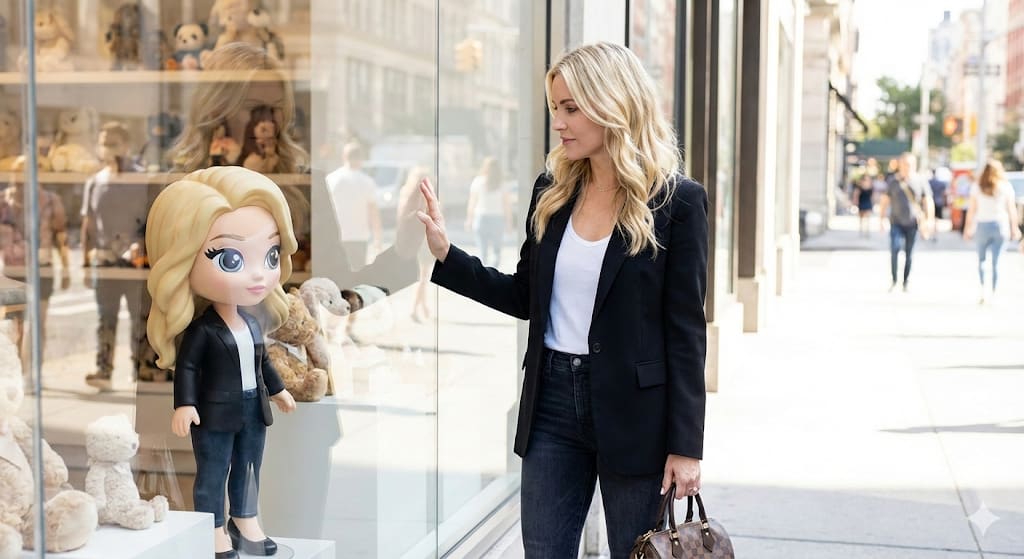
Shop Window Cartoon Reflection – woman in a city street, AI image made with Nano Banana Pro
Trending
Gemini
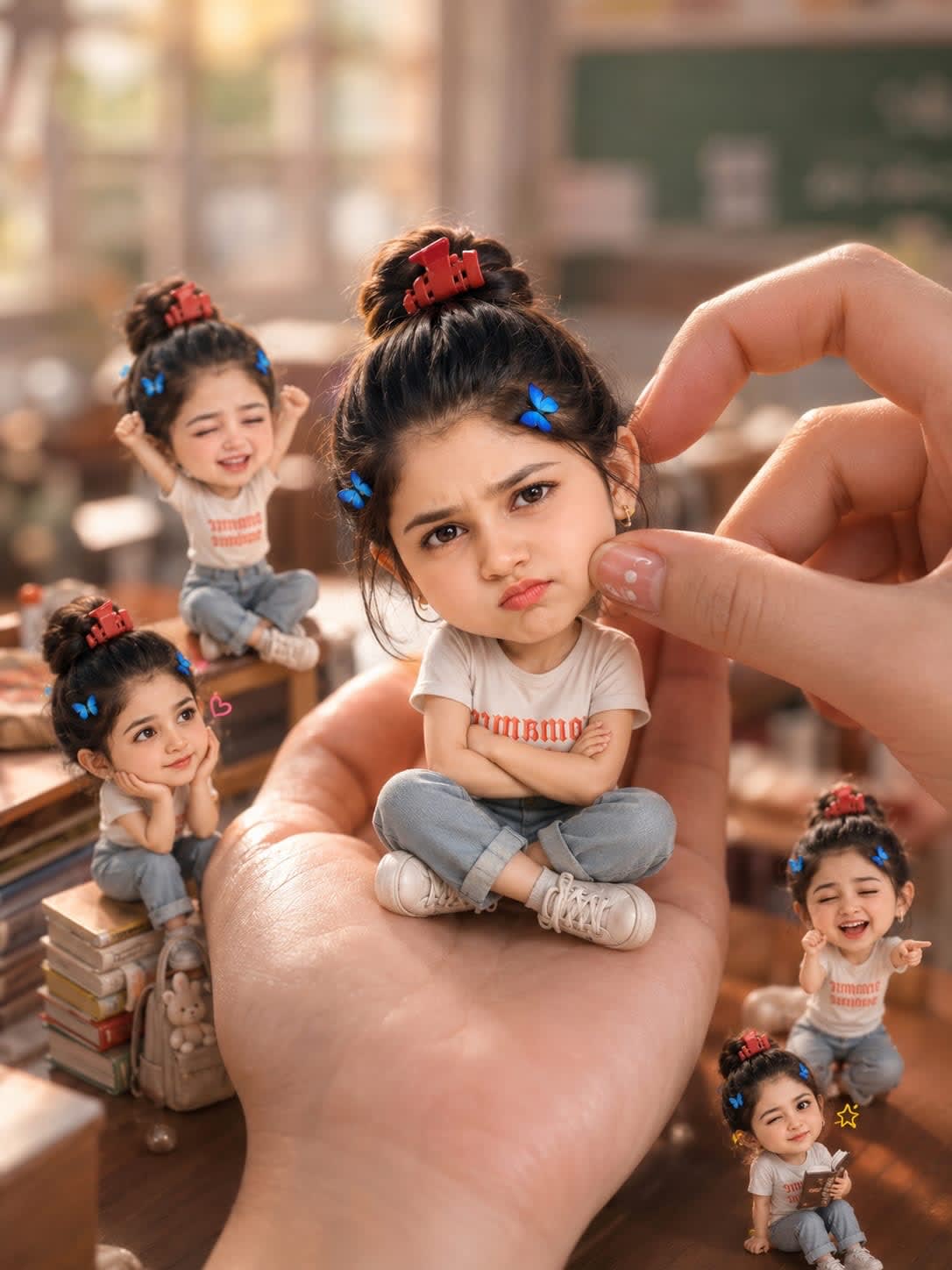
Tiny Chibi Hand Portrait Trend – woman in a classroom, AI image made with ChatGPT
Trending
ChatGPT
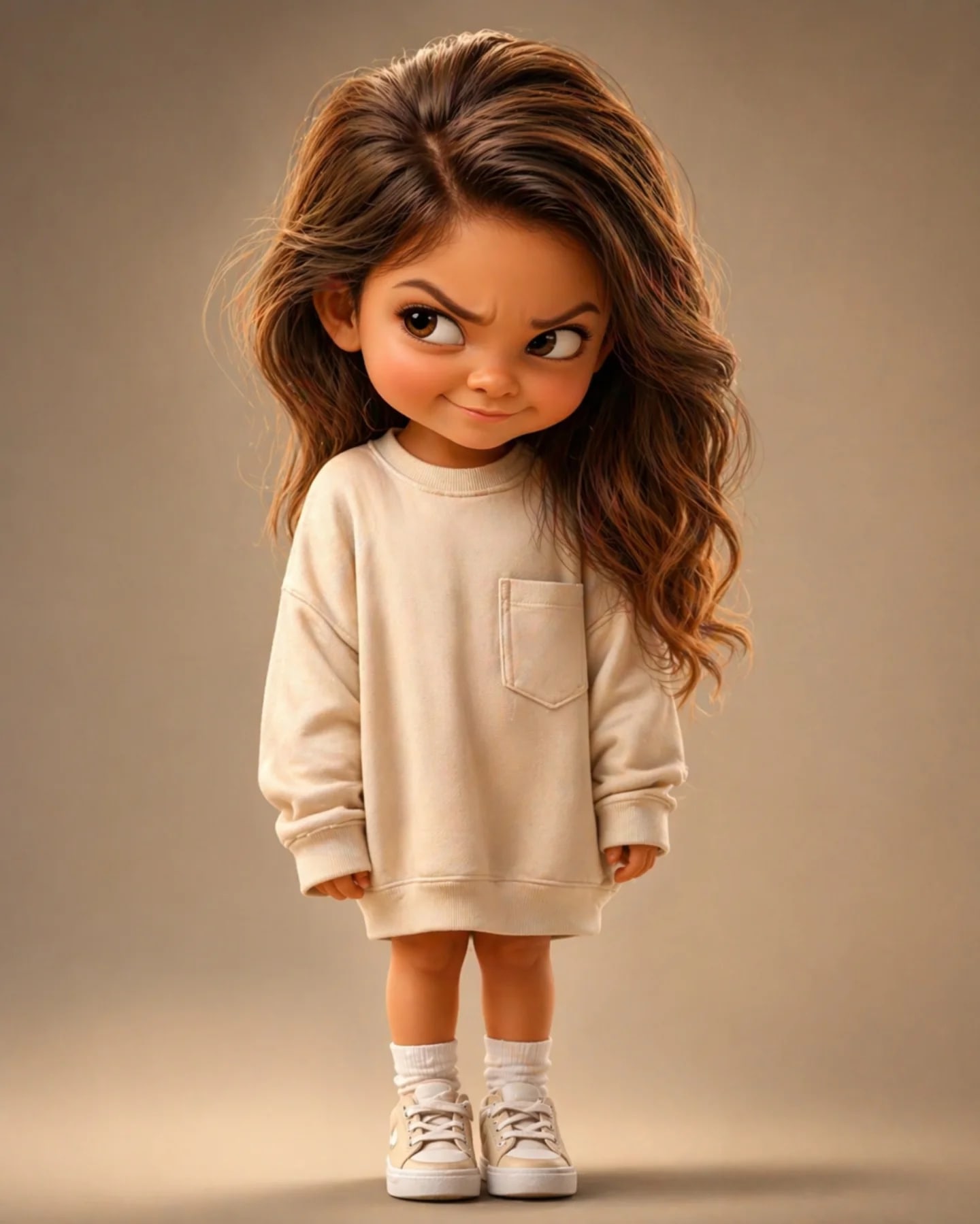
Mischievous Pixar Chibi Portrait – in a photo studio, AI image made with ChatGPT
Trending
ChatGPT
Street Fashion Model Shop Window Cartoon Reflection – woman in a city street, AI image made with Nano Banana Pro
Trending
Gemini
Stylized 3D Cartoon Man in Streetwear – man in a jacket in falling snow, AI image made with Nano Banana Pro
Gemini
Identity Preserving Cartoon Mural – woman in a crop top in an open field, AI image made with Nano Banana Pro
Gemini
Interactive Subject and Chibi Doll Portrait – woman in a dress in a photo studio, AI image made with Nano Banana Pro
Gemini
Mixed Reality Street Portrait – woman in a hoodie in a city street, AI image made with Nano Banana Pro
Gemini
Character Selfie Generation Prompts – man in a t-shirt in a library, AI image made with Nano Banana Pro
Gemini
Cinematic Anime Character Portrait – in an open field, AI image made with Nano Banana Pro
Gemini
Floating Philippines Island Travel Portrait – woman in a blazer in an open field, AI image made with Nano Banana Pro
Gemini
Fashion Editorial with Exact 2D Cartoon Duplicate – woman in a slip dress in a city street, AI image made with Nano Banana
Gemini