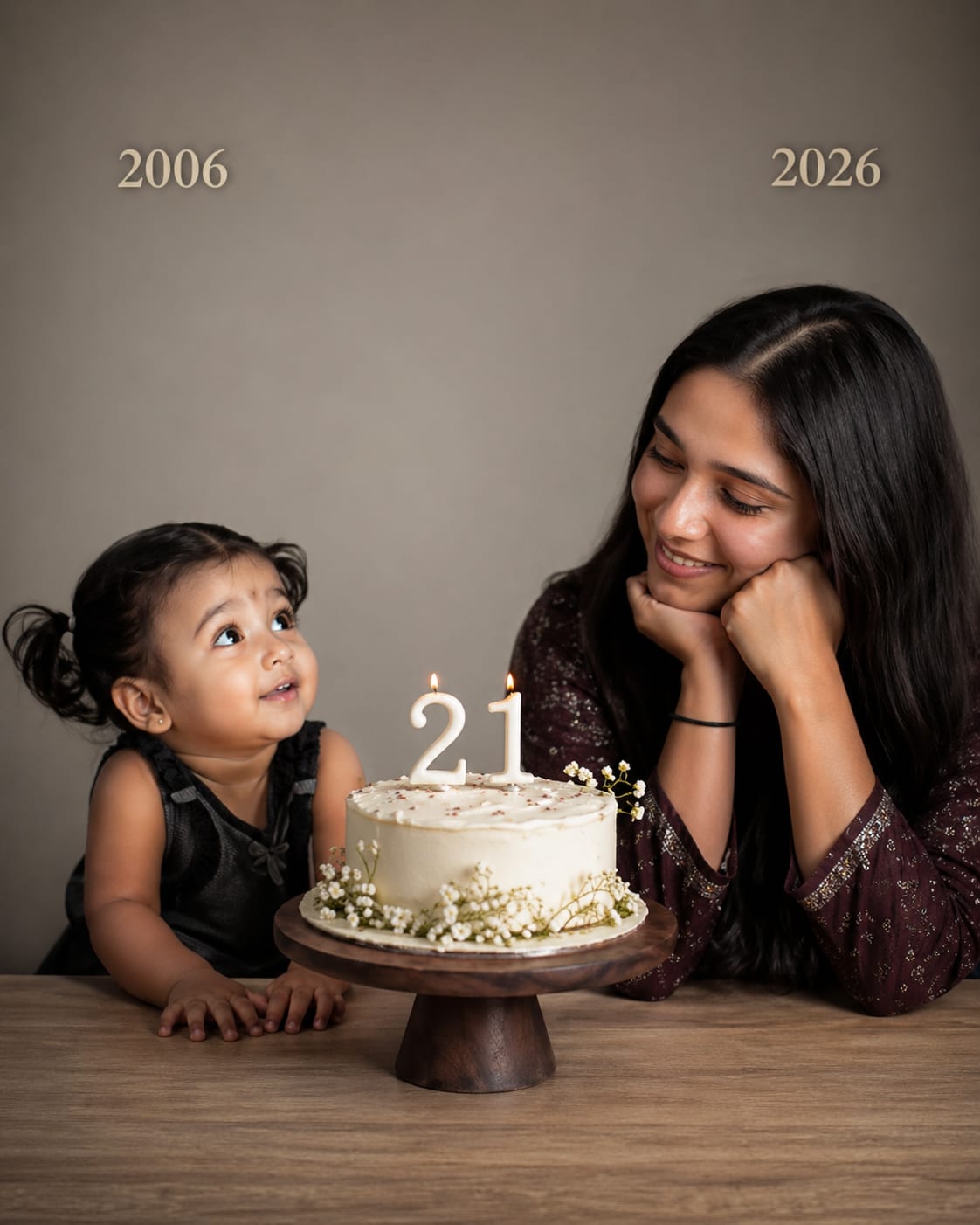
What is DALL·E 3?
DALL·E 3 is OpenAI's text-to-image AI model, built directly into ChatGPT. You describe what you want to see in plain language, and DALL·E 3 generates a high-quality image that matches your description. Unlike earlier AI image tools that required technical prompt syntax, DALL·E 3 understands natural, conversational language — making it one of the most accessible image generators available.
DALL·E 3 is best known for its accuracy in following complex instructions, its ability to include readable text inside images (something most AI generators struggle with), and its clean, polished visual style that works exceptionally well for graphic design, social media content, and product visuals.
You can access DALL·E 3 inside ChatGPT (Plus or Pro subscription), or via the OpenAI API for developers.
How to Use DALL·E 3 — Step by Step
Access DALL·E 3 through ChatGPT
Log in to chatgpt.com with a Plus or Pro subscription. In the text box, simply describe the image you want. ChatGPT automatically routes image requests to DALL·E 3.
Write a natural language prompt
Unlike Midjourney, you do not need special syntax or parameters. Write your prompt as if explaining to a designer: "Create a flat design illustration of a woman sitting at a desk with a laptop, surrounded by plants and warm afternoon sunlight, pastel colour palette, minimal and modern."
Use the revision loop
DALL·E 3's biggest advantage is the revision process. After your first image, follow up conversationally: "Make the background lighter," "Change the woman's outfit to casual," "Add a coffee cup on the desk." ChatGPT updates the image in response to each instruction.
Add text to your images
DALL·E 3 can embed readable text inside images — something most AI tools fail at. Try: "Create a motivational poster with the text 'Start before you're ready' in bold sans-serif font, dark background, minimalist design."
Generate variations
Ask ChatGPT to "show me 3 different styles of this image" and it will offer variations with different artistic directions — giving you options to choose from.
Pro Tips for DALL·E 3
Be conversational, not technical
DALL·E 3 was specifically designed to respond to natural writing. The more human and clear your description, the more accurately it interprets your vision. You do not need to memorise parameter codes.
Use it for text-heavy designs
Need to create a flyer, poster, thumbnail, or social media graphic with text? DALL·E 3 is the best AI image tool for this use case. Specify the exact text you want included, the font style, and placement.
Combine with ChatGPT's writing ability
Ask ChatGPT to first "write a detailed image prompt for [your idea]" and then "generate that image." This two-step approach produces much more detailed and polished results than jumping straight to image generation.
Specify what NOT to include
In your prompt, include what you want to exclude: "no people in the background," "no text overlays," "no dark colours." DALL·E 3 responds well to exclusion instructions.
Latest DALL·E 3 Prompts
Copy and paste these directly into DALL·E 3