Trending
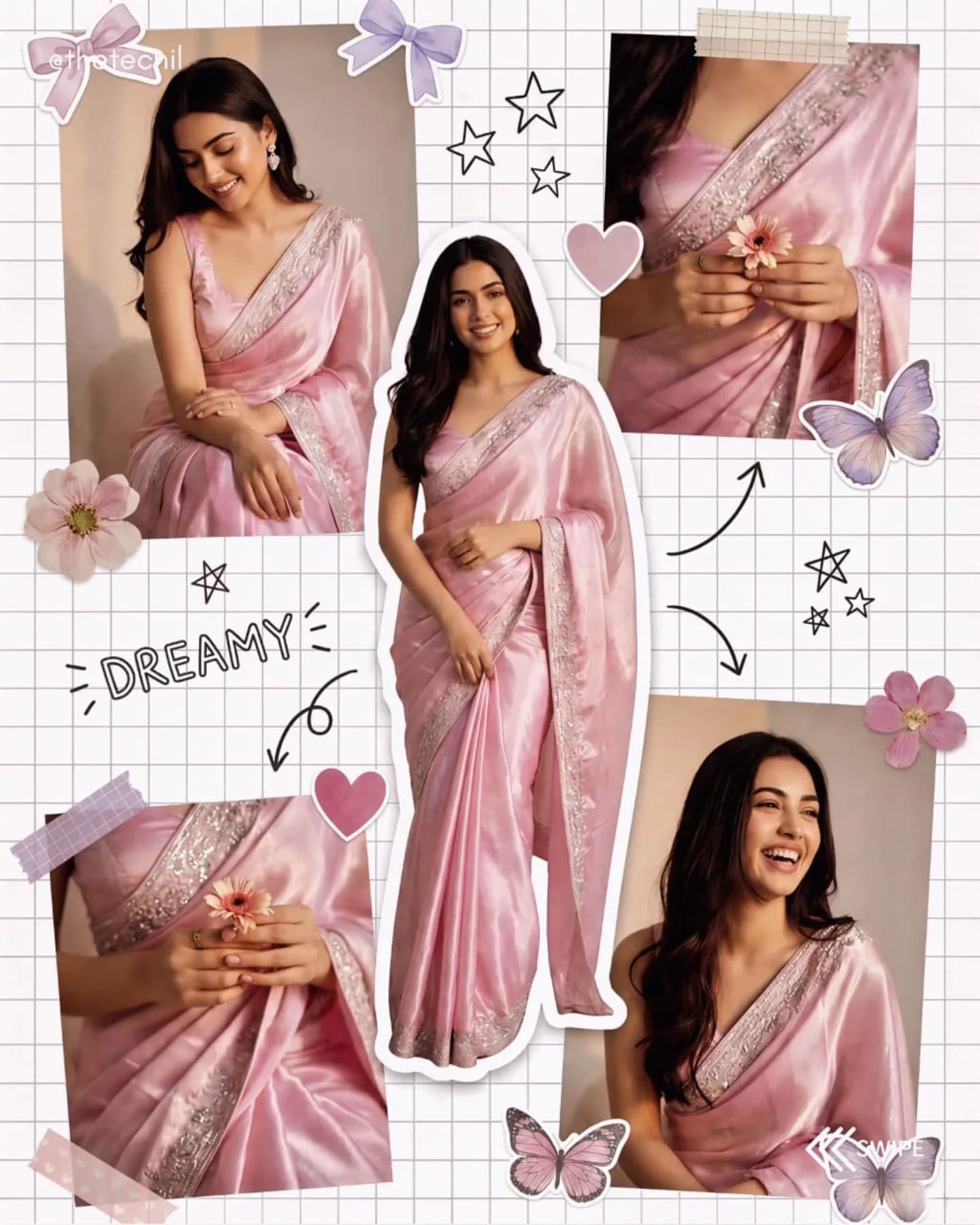
GeminiThe AI saree trend that took over Instagram — upload a photo and restyle yourself in a flowing chiffon, Banarasi silk or festive saree with cinematic light. These prompts describe the drape, fabric and jewellery in detail so the saree looks real.
Name the saree and drape
"Red Banarasi silk with gold zari, Nivi drape, pallu over the left shoulder" gives a far more authentic result than "red saree".
Add jewellery and setting
Jhumkas, a bindi, gajra in the hair and a heritage backdrop complete the look.
Open Gemini, upload a clear photo of yourself, paste a saree prompt and send. Change the colour or fabric in the prompt to customise it.
Yes, if you use a sharp photo and the prompt includes face-preservation wording — all prompts here do.
Yes. Every prompt on Hixa is free to copy and use for personal and commercial images. No account is needed.