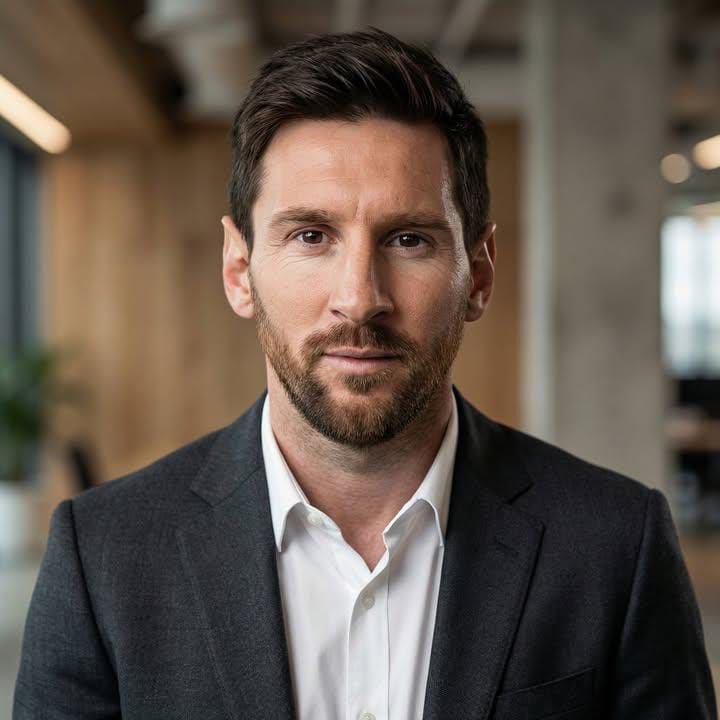
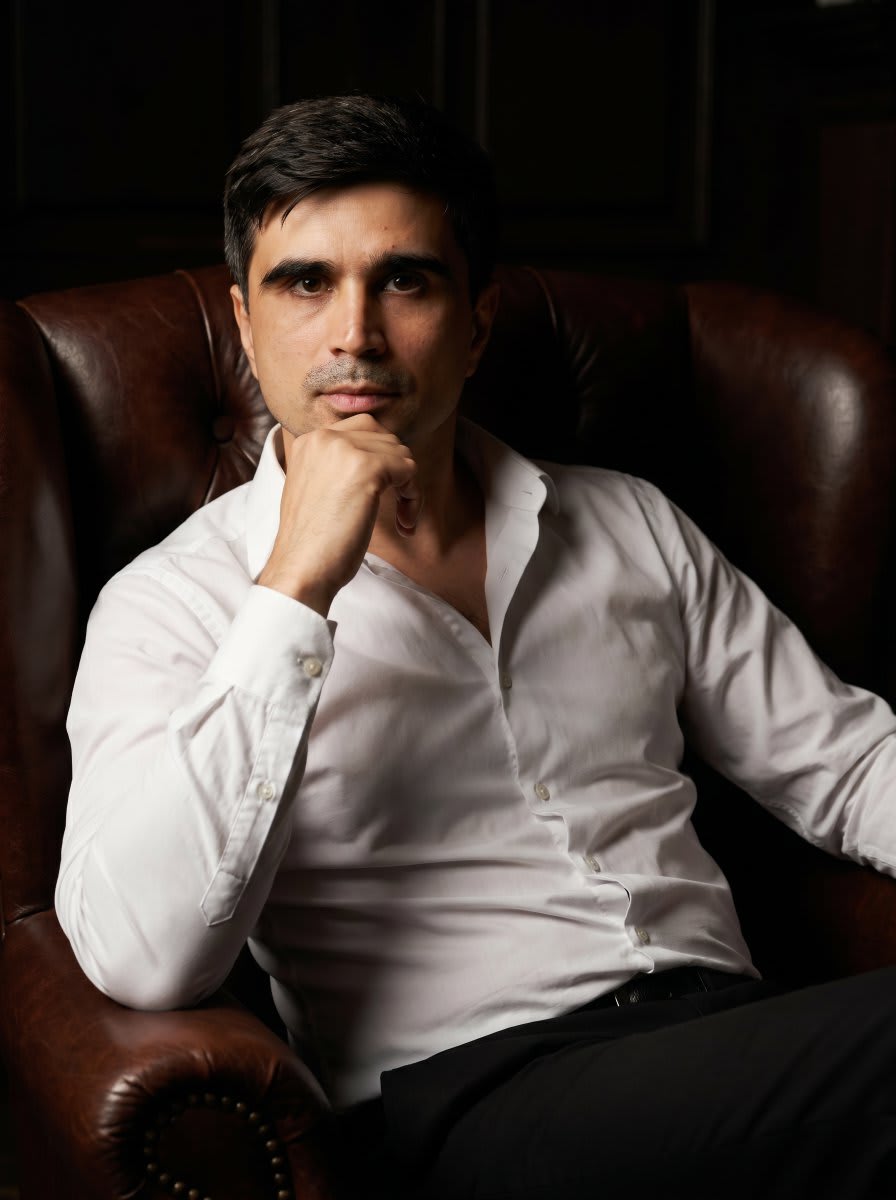
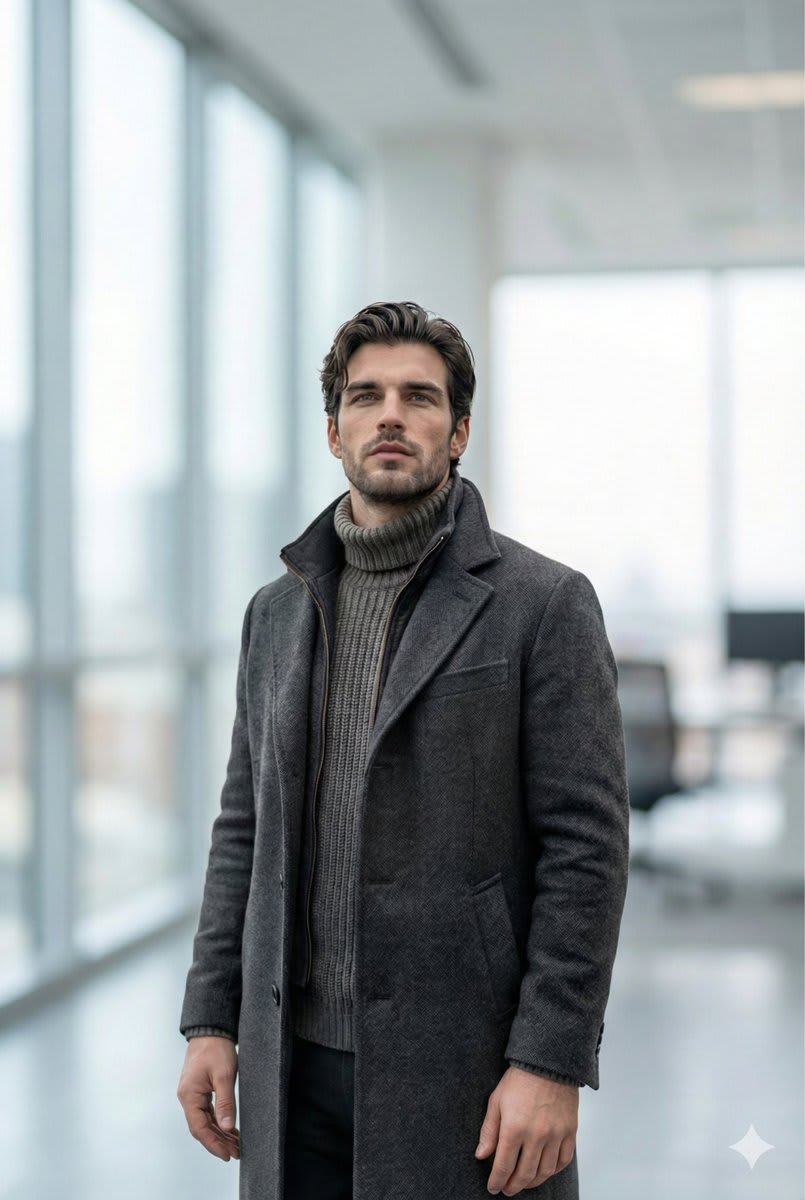
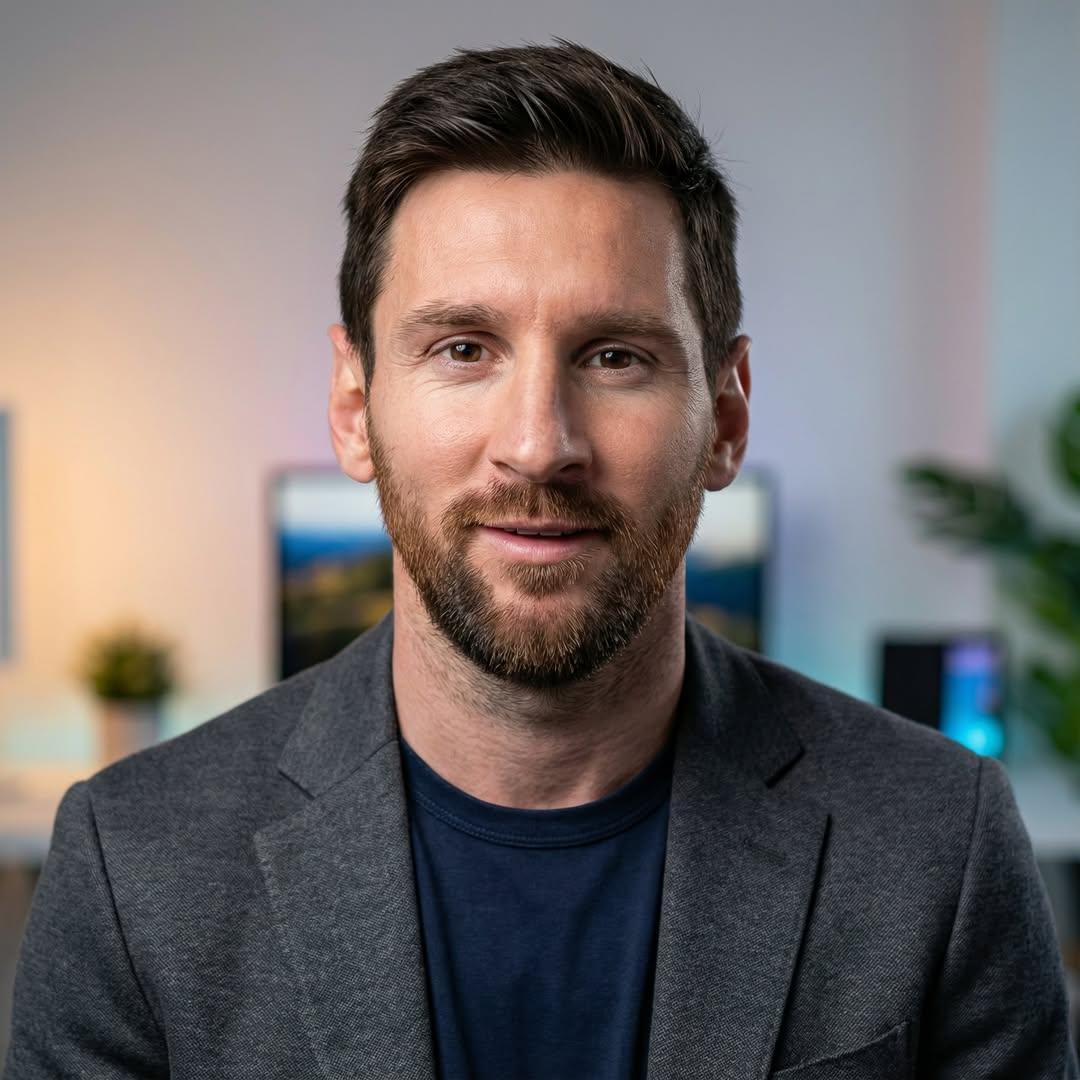
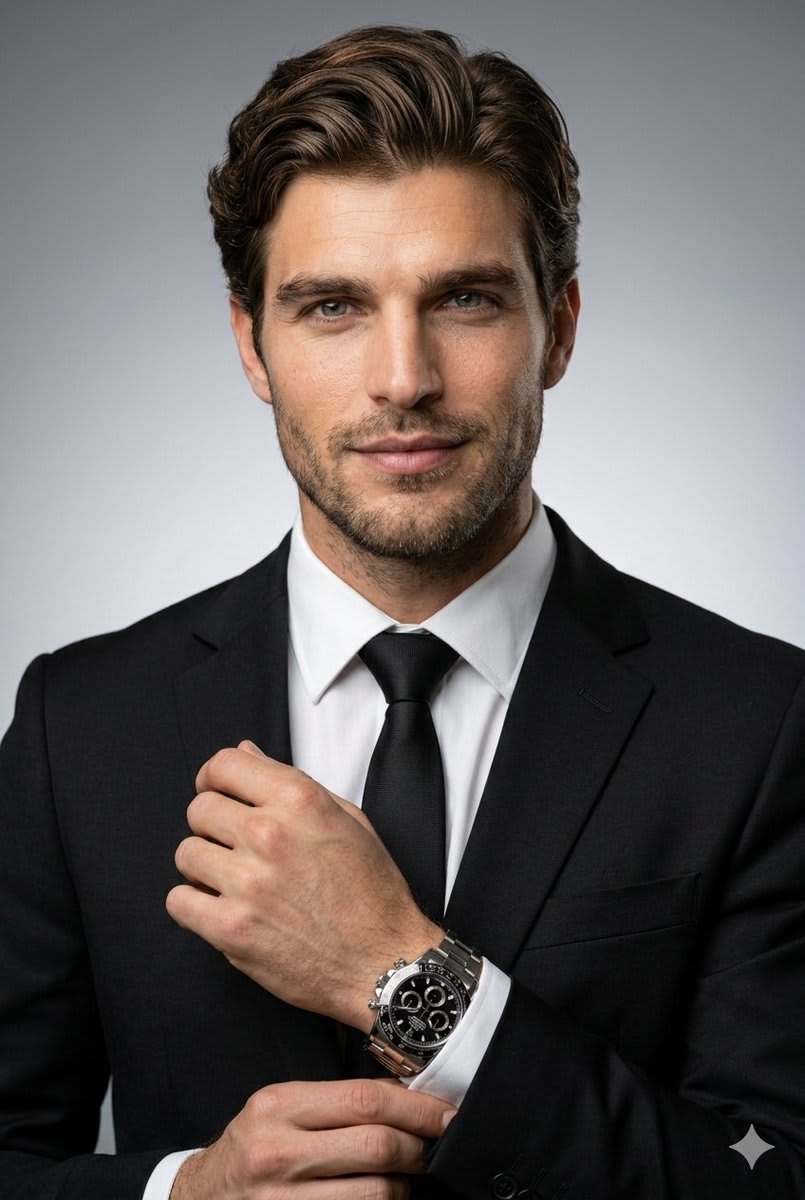
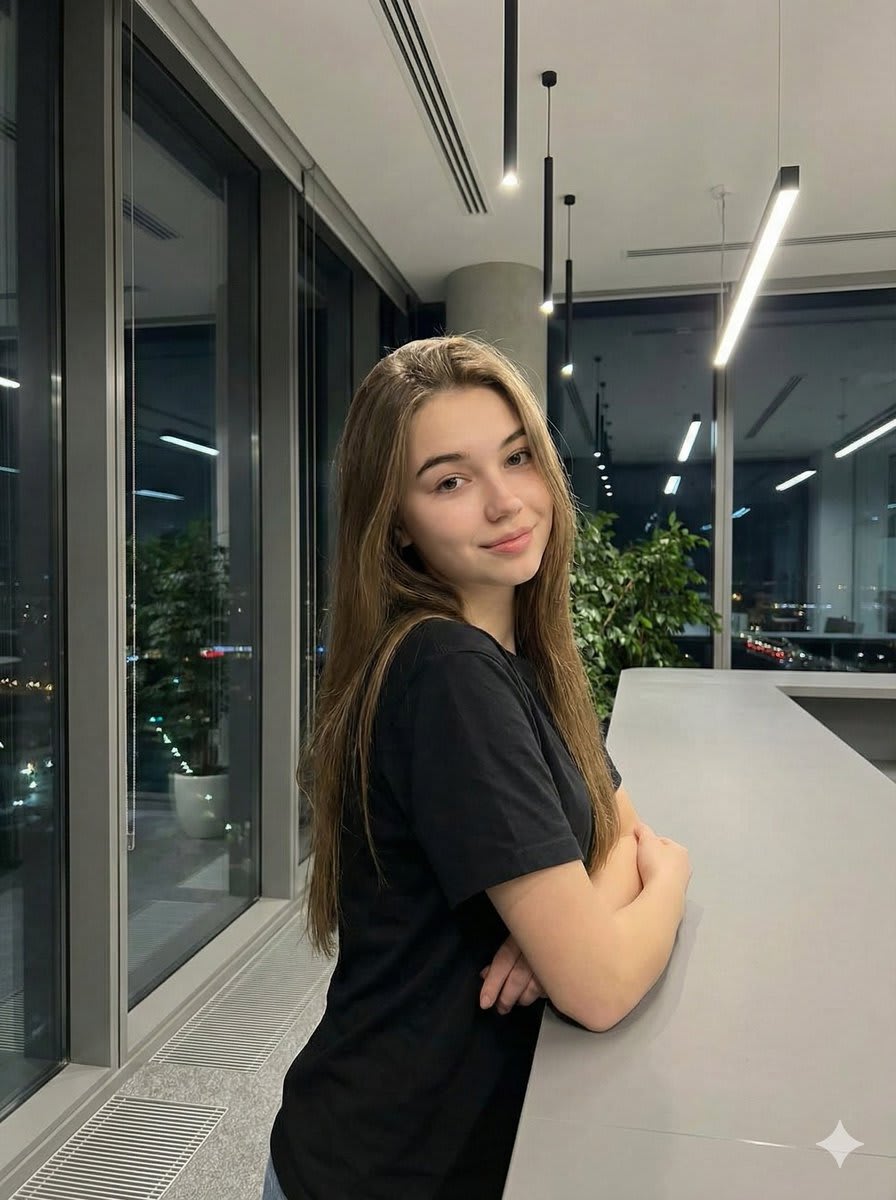
Clean Corporate Studio Headshot – in a photo studio, AI image made with Nano Banana Pro
Example output · Nano Banana ProCredit: ljh-it

Clean Corporate Studio Headshot Prompt

This Nano Banana Pro prompt generates a clean corporate studio headshot from text alone — no reference photo needed. Key details in the prompt: a photo studio, rim lighting and 85mm portrait lens and shallow depth of field. Swap the subject, outfit or location to make it your own.

1:1 35 words

Clean Corporate Studio Headshot prompt text

Copy & paste

Professional studio headshot of a person, neutral expression, clean dark-gray gradient background, classic three-point lighting, subtle rim light, 85mm lens, shallow depth of field, natural skin texture with visible pores, realistic eyes catchlights, ultra sharp.

How to use this prompt

  1. 1

    Copy the prompt

    Tap "Copy prompt" to copy all 35 words exactly as written.

  2. 2

    Open Gemini

    Open Google Gemini (gemini.google.com) and pick Nano Banana / "Create image". No reference photo is required for this prompt.

  3. 3

    Paste and generate

    Paste the prompt and send it. Ask for a 1:1 aspect ratio if the tool does not pick it automatically.

  4. 4

    Refine with follow-ups

    Ask for small changes in the same chat — "make the lighting warmer" or "change the outfit colour to black" — instead of rewriting the prompt.

Make it your own

  • Location: swap a photo studio for a Paris café terrace.
  • Lighting: try golden-hour light instead of rim lighting for a different mood.
  • Format: use 9:16 instead of 1:1 for Instagram Reels and Stories.

Pro tip: Run this prompt in Google Gemini's multimodal interface. Add subtle micro-detail modifiers or upload an optional framing reference for maximum consistency.

Clean Corporate Studio Headshot prompt — FAQ

Is the clean corporate studio headshot prompt free?

Yes. You can copy the full clean corporate studio headshot prompt on Hixa for free and use it in Google Gemini, ChatGPT or any other AI image tool. No signup is needed.

Which AI tool works best for this prompt?

It is written for Google Gemini's Nano Banana Pro image model. It also works in ChatGPT image generation and most modern AI image tools, though results vary between models.

What aspect ratio should I use?

The prompt is designed for 1:1. Use 4:5 for Instagram feed posts and 9:16 for Reels or Stories.

More linkedin headshot prompts

Similar styles people copy with this one

View all
Three-Panel Professional Office Portrait Collage – woman in a blazer in an office, AI image made with Nano Banana Pro
Gemini
Photorealistic Triptych Office Portrait – woman in a blazer in an office, AI image made with Nano Banana Pro
Gemini
Cinematic Rembrandt Studio Headshot – man in a photo studio, AI image made with Nano Banana Pro
Gemini
Executive Studio Portrait – man in a blazer in a photo studio, AI image made with Nano Banana Pro
Gemini

Executive Studio Portrait

LinkedIn Headshot
Ultra-Realistic Corporate Executive Portrait – man in a blazer in an office, AI image made with Nano Banana Pro
Gemini
Professional Executive Portrait in Armchair – man in a dress, AI image made with Nano Banana Pro
Gemini
Selfie to Professional LinkedIn Headshot Conversion – man in an office, AI image made with Nano Banana Pro
Gemini
Ultra-Realistic Professional Headshot for Creator Economy – in a photo studio, AI image made with Nano Banana Pro
Gemini
Executive Studio Portrait – man in a suit in a photo studio, AI image made with Nano Banana Pro
Gemini

Executive Studio Portrait

LinkedIn Headshot
Ultra-Realistic Corporate Headshot – man in a suit in a photo studio, AI image made with Nano Banana Pro
Gemini
Realistic Corporate Portrait in a Modern Office at Night – woman in a t-shirt in an office, AI image made with Nano Banana
Gemini
Professional Studio Headshot – man in a blazer in a photo studio, AI image made with Nano Banana Pro
Gemini

Professional Studio Headshot

LinkedIn Headshot