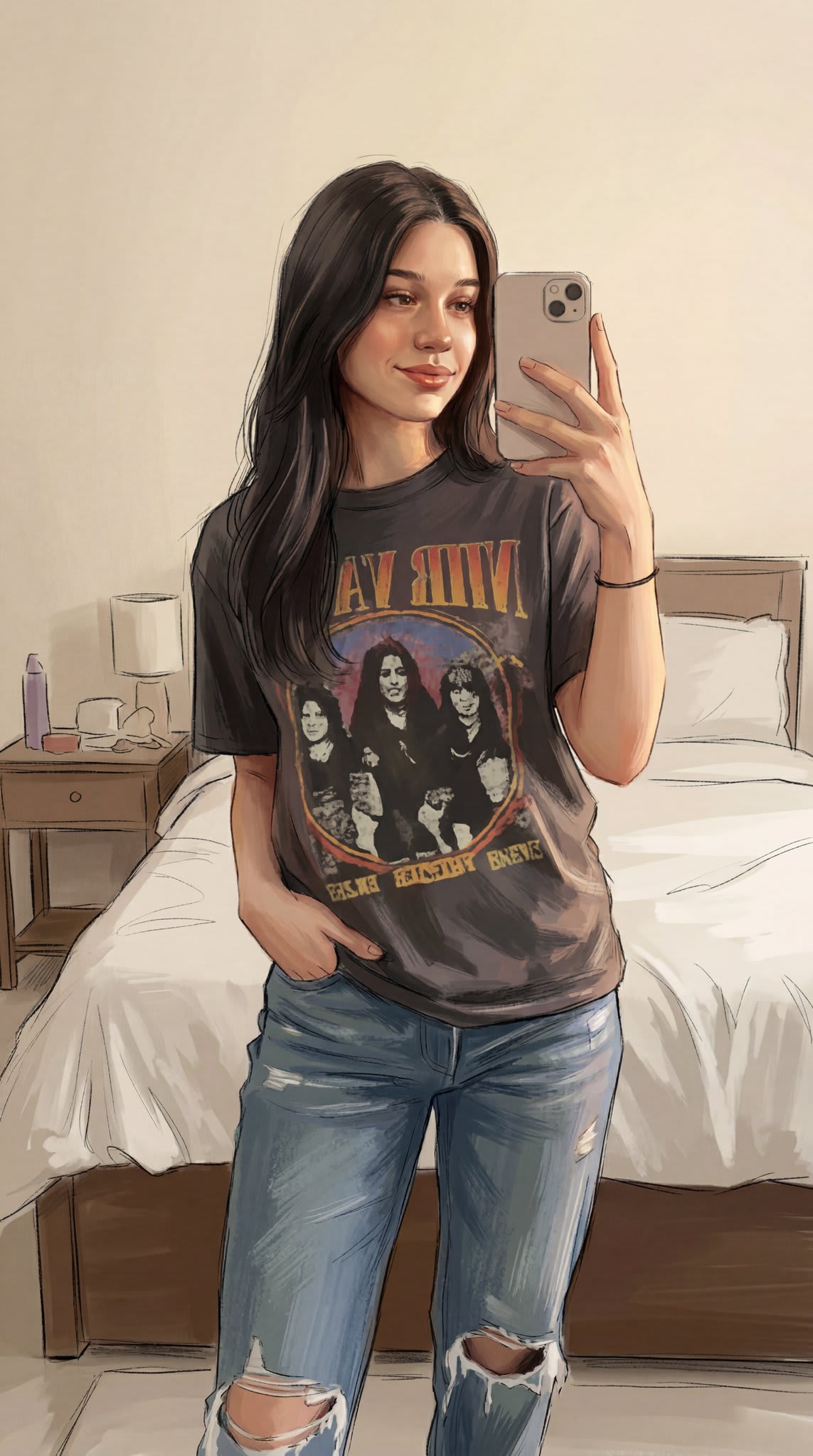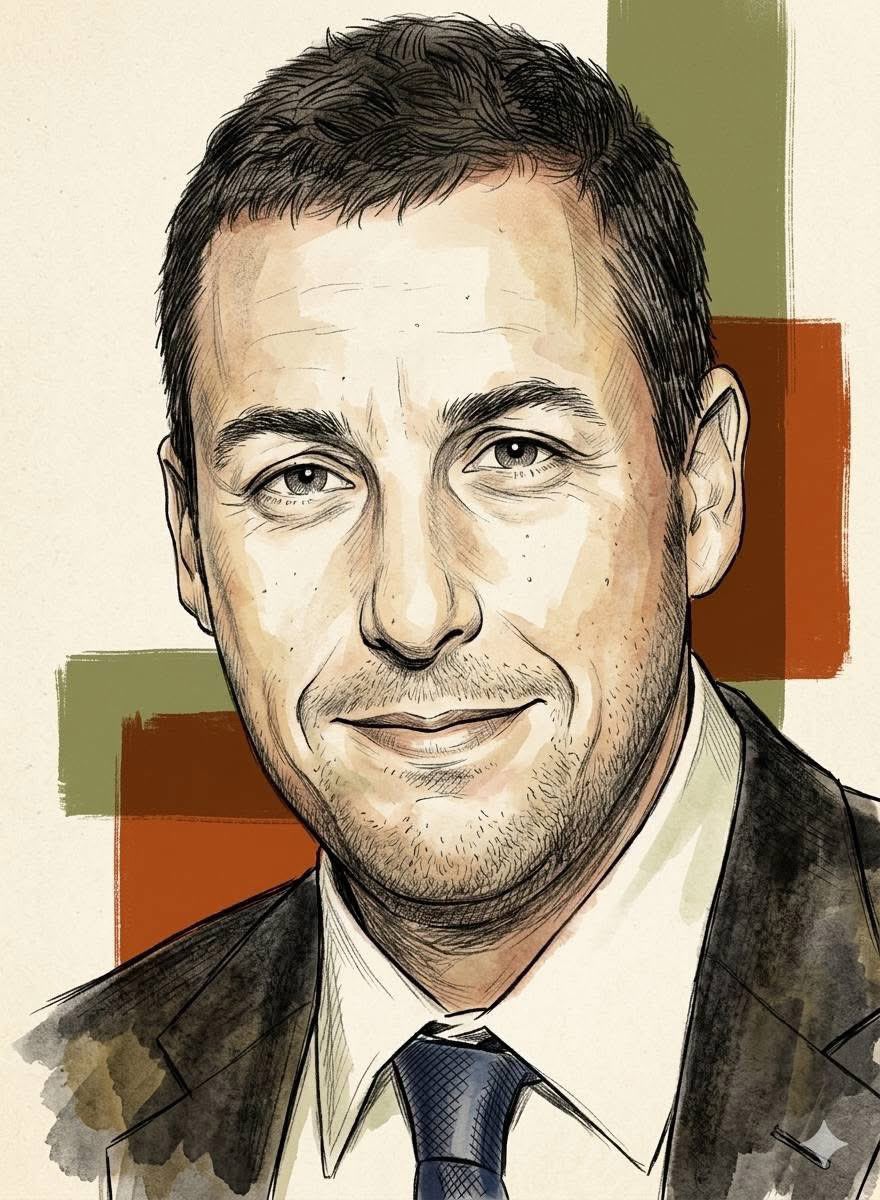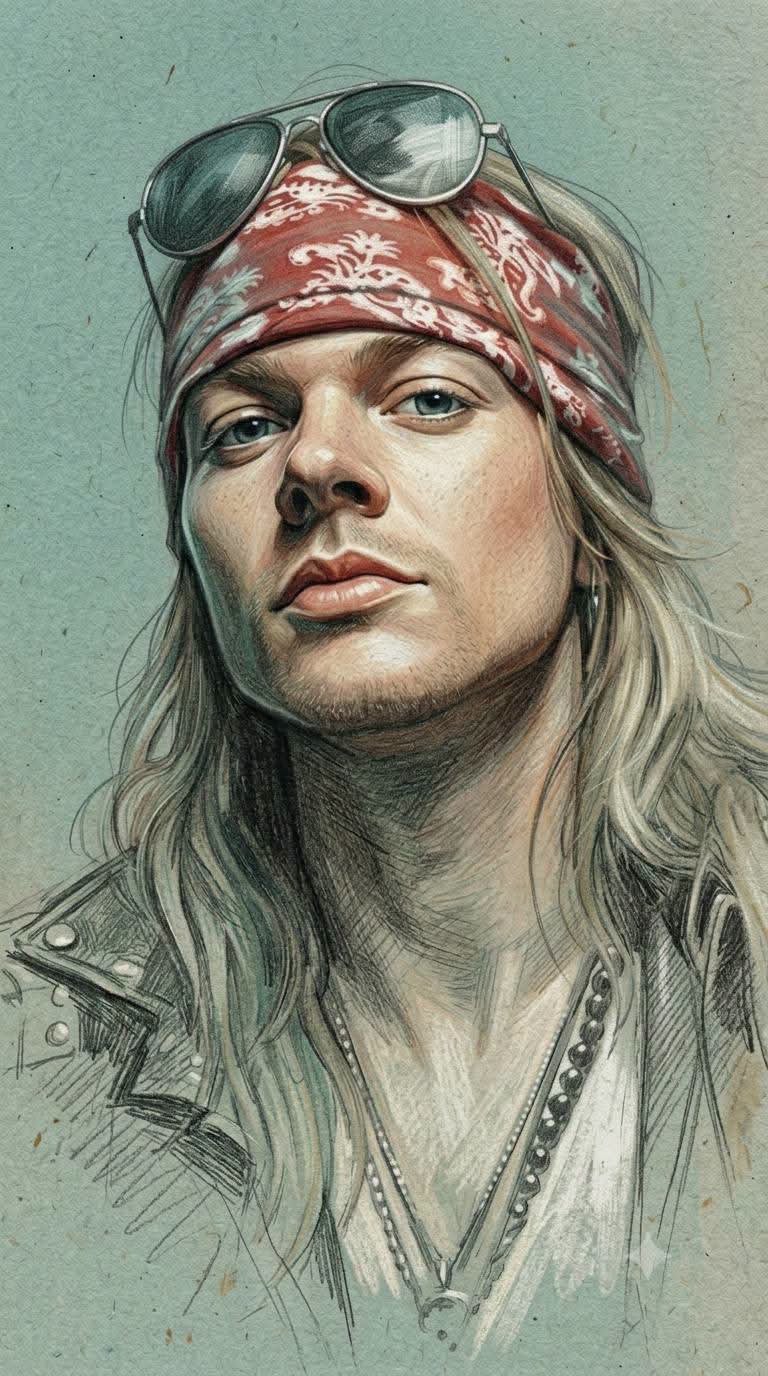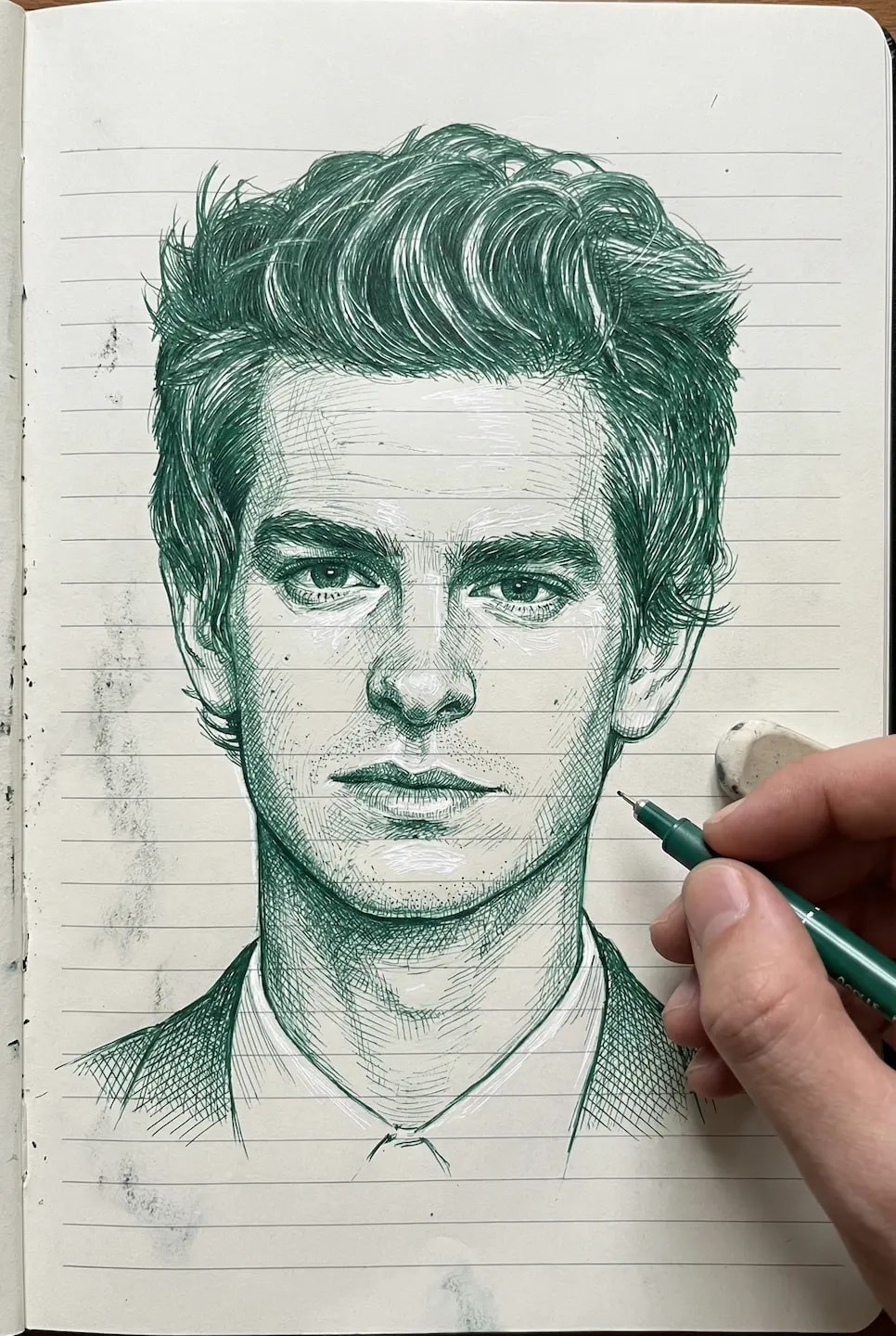

CINEMATIC GRAPHIC REALISM Created with google gemini nano banana pro Ultra-detailed cinematic graphic realism fused with traditional engraved illustration, dark fantasy comic art, and expressive hand-inked portraiture. The visual style combines highly dimensional semi-realistic anatomy with dense, controlled ink linework and dramatic chiaroscuro. Use a predominantly near-black environment/background, allowing the subject to emerge from darkness through carefully controlled warm highlights and deep shadow masses. The overall image should feel mysterious, dramatic, powerful, tactile, and intensely atmospheric. Color palette Use a restrained, dark cinematic palette dominated by: - deep black / near-black — background and deepest shadows - burnt umber and dark brown - rich copper / warm bronze - deep rust-orange - warm ochre - natural warm sienna skin tones - muted ivory / silver-gray for hair and highlights - extremely restrained desaturated blue-gray accents Colors should appear rich, earthy, dark, and slightly muted, with luminous warm highlights emerging against black. Avoid neon or overly saturated digital colors. Rendering technique Construct the image using dense fine ink strokes, engraving-style hatching, cross-hatching, contour hatching, stippling, and layered painterly brushwork. Every major anatomical plane should contain visible directional strokes following the form. Skin, hands, wrinkles, beard, hair, fabric, and accessories should be rendered with hundreds of controlled micro-strokes rather than smooth digital surfaces. Combine sharp ink contours with painterly color masses, creating a hybrid appearance between an old master engraving and a modern cinematic graphic-novel painting. Lighting Use intense low-key chiaroscuro lighting. Most of the surrounding environment disappears into almost pure black, while selected planes of the subject receive warm copper-orange illumination. Highlights should be concentrated on facial planes, hands, hair strands, and important structural details. Use strong directional lighting with: deep black shadow → rich burnt-orange midtone → narrow warm highlight. Highlights should remain controlled and relatively hard-edged, emphasizing wrinkles, bone structure, muscles, fingers, hair strands, and textured surfaces. Linework and texture Use extremely fine black/brown engraved lines combined with stronger graphic contours. Include: cross-hatching, parallel hatching, contour lines, stippled texture, scratch-like ink marks, fine hair strokes, irregular brush edges, and tiny engraved details. Line density should increase naturally inside shadow areas and decrease toward illuminated planes. Surface treatment Avoid perfectly smooth digital rendering. Preserve a hand-crafted tactile texture throughout the image. Skin should show subtle pores, wrinkles, folds, fine facial hair, and directional brush/ink strokes. Hair should be constructed from numerous individual strands mixed with larger graphic masses. Fabric should contain visible woven/brush textures and deep folds. Overall aesthetic Dark cinematic portrait + engraved realism + graphic novel realism + Renaissance-inspired chiaroscuro + hand-inked illustration + painterly color blocking + dark fantasy editorial art. The final appearance should be extremely detailed, dramatic, mature, rugged, cinematic, tactile, and powerful, with the realism coming from anatomical modeling and microscopic linework rather than photographic rendering. No flat vector style, no clean cartoon appearance, no soft airbrush, no plastic skin, no 3D-rendered look, no glossy CGI, no neon colors, no typography, no logo, no watermark. Aspect ratio: 9:16 — vertical composition.