Blue Studio Character Transformation – in a photo studio, AI image made with Nano Banana Pro
Example output · Nano Banana ProCredit: Harboris

Blue Studio Character Transformation Prompt

Upload a single selfie and this Nano Banana Pro prompt rebuilds it as a dramatic blue studio character transformation. It spells out the subject in a sweater, a photo studio, clean studio lighting and cinematic lighting and Kodak film tones, which is why the result looks like a real photograph rather than a generic AI image. Identity-preservation wording is built in, so the edit changes the scene — not your face.

341 words Needs your photo

Blue Studio Character Transformation prompt text

Copy & paste

Create a realistic cinematic portrait based on the uploaded blue studio reference image. Keep the exact same camera angle, close-up medium framing, lens perspective, character distance, pose, lighting direction, {argument name="background color" default="blue background color"}, shadows, contrast, depth and overall fashion editorial mood. Replace the original person in the image with the target character from the provided character reference. The target character must keep their original facial identity, face shape, skin tone, hairstyle, facial proportions and natural expression. The character should be positioned exactly like the original model: upper body visible, head tilted slightly upward, gaze directed upward, calm and confident expression, neck extended naturally, shoulders relaxed. Keep the same blue studio background with a rich deep blue tone. Maintain the same soft but dramatic studio lighting, with highlights on the face, glasses and clothing, and natural shadows under the chin and around the neck. The image should feel like a modern music/fashion campaign. The {argument name="clothing style" default="clothing can be adapted to the target character, but it should preserve the same oversized streetwear feeling"}: large soft sweater, relaxed fit, clean fashion styling, {argument name="accessory" default="chain necklace"} and transparent or light-colored sunglasses. The sweater may change according to the target character's style, but the overall silhouette, volume and fabric softness must remain very close to the reference. Preserve the same crop ratio and composition. The character should occupy the same area in the frame. Do not change the background, camera distance, lighting, pose or lens. The final image must look like the target character was originally photographed in this exact setup. Ultra realistic portrait photography, blue monochrome studio background, modern streetwear fashion, cinematic lighting, natural skin texture, realistic fabric texture, professional campaign photo. Negative Prompt: Do not change the blue background. Do not change the pose, head angle, camera angle, crop, lighting or lens. Do not distort the face or change the identity of the target character. Do not add text, logo, watermark, extra objects or extra people. Do not make the sweater flat or unrealistic. Do not over-edit the skin.

How to use this prompt

  1. 1

    Copy the prompt

    Tap "Copy prompt" to copy all 341 words exactly as written.

  2. 2

    Upload your photo

    Open Google Gemini (gemini.google.com) and pick Nano Banana / "Create image", tap the + button and attach one sharp, well-lit photo where your face is clearly visible.

  3. 3

    Paste and generate

    Paste the prompt and send it.

  4. 4

    Refine with follow-ups

    Ask for small changes in the same chat — "make the lighting warmer" or "change the outfit colour to black" — instead of rewriting the prompt.

Make it your own

  • Outfit: replace "sweater" with a cable-knit cardigan.
  • Location: swap a photo studio for a minimal studio backdrop.
  • Lighting: try golden-hour light instead of clean studio lighting for a different mood.
  • Format: add "4:5 aspect ratio" for Instagram posts or "9:16" for Reels.

Pro tip: A character transformation prompt that preserves studio lighting, pose, and background from a blue-toned reference.

Blue Studio Character Transformation prompt — FAQ

Is the blue studio character transformation prompt free?

Yes. You can copy the full blue studio character transformation prompt on Hixa for free and use it in Google Gemini, ChatGPT or any other AI image tool. No signup is needed.

Will this prompt change my face?

It is written to keep your facial features, skin tone and expression the same as your uploaded photo. For the best likeness, use a sharp, front-facing photo in good light. If the face drifts, reply with "keep my face exactly the same as the uploaded photo".

Which AI tool works best for this prompt?

It is written for Google Gemini's Nano Banana Pro image model. It also works in ChatGPT image generation and most modern AI image tools, though results vary between models.

What aspect ratio should I use?

Use 4:5 for Instagram feed posts, 9:16 for Reels and Stories, and 16:9 for YouTube thumbnails. Add the ratio at the end of the prompt.

More background change prompts

Similar styles people copy with this one

View all
Cinematic Black-And-White Portrait with Strict Face Lock – man in sunglasses, AI image made with Nano Banana Pro
Gemini
Image-to-Image Clothing and Background Swap – woman in an anarkali in a garden, AI image made with Nano Banana Pro
Gemini
Glamour Selfie with Goya Backdrop – woman, AI image made with Nano Banana Pro
Gemini
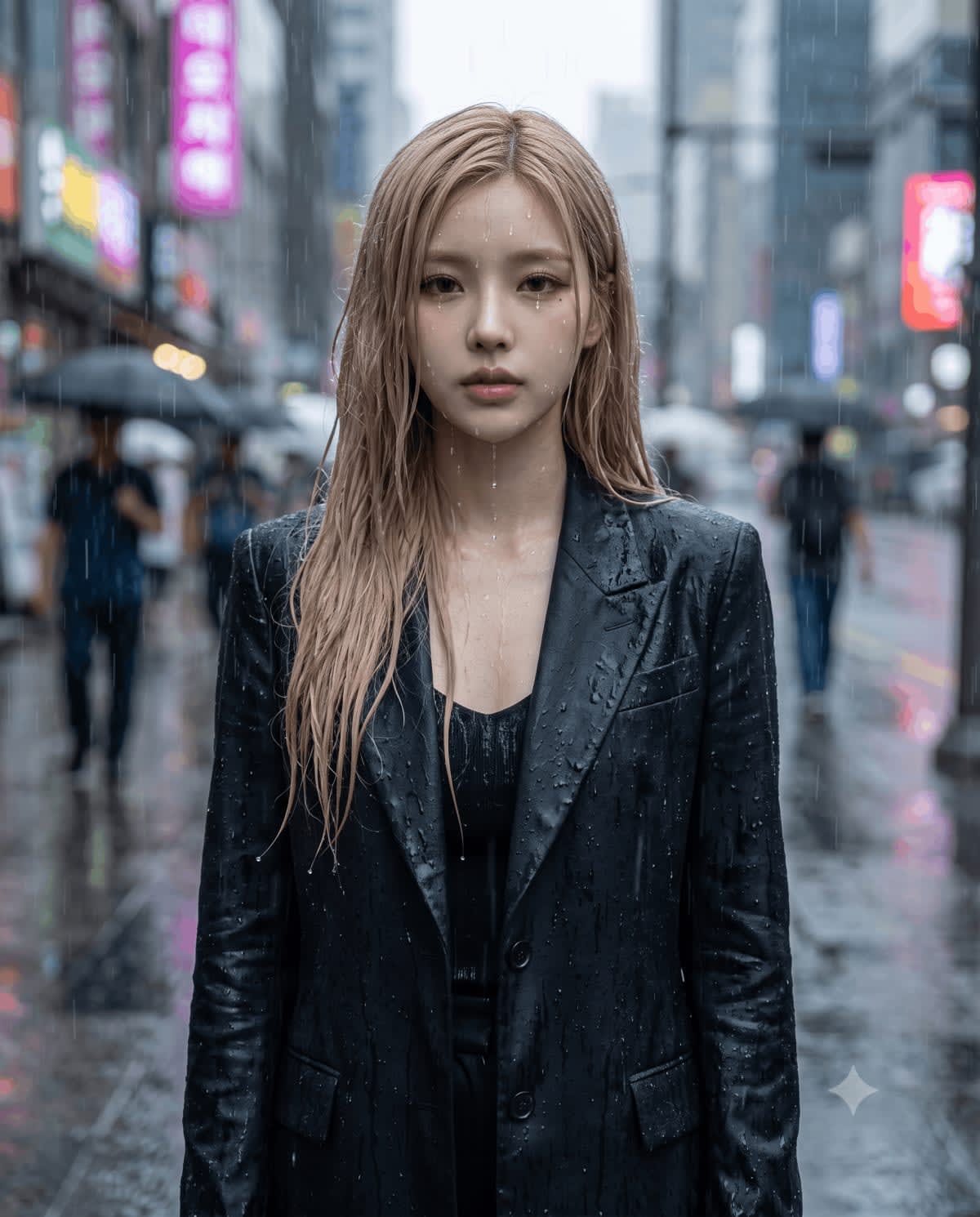
Rain-Drenched City Portrait – in a rainy street, AI image made with Nano Banana Pro
Trending
Gemini

Rain-Drenched City Portrait

Background Change
Luxury Fashion Editorial Street Portrait – in a city street, AI image made with Nano Banana 2
Gemini
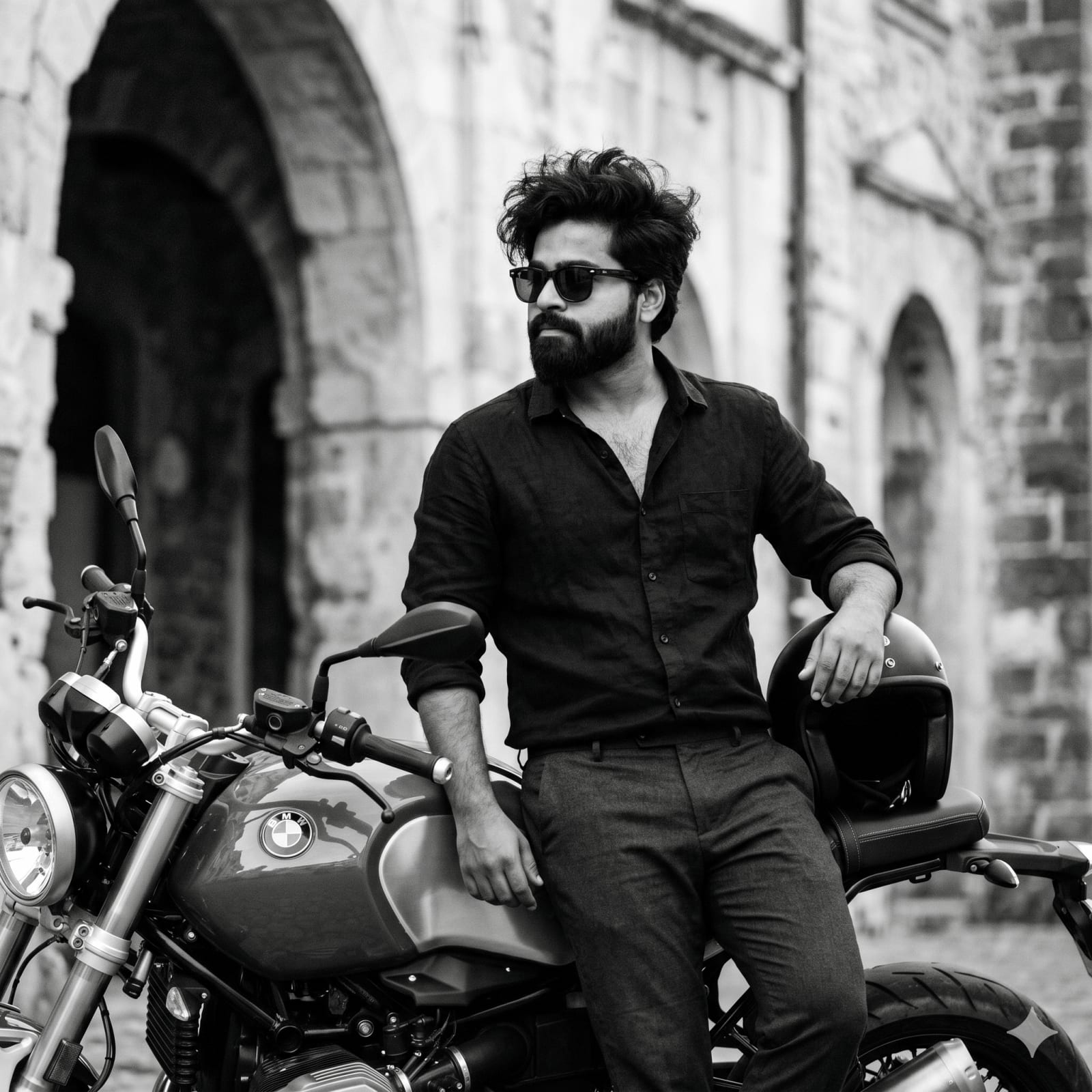
B&W Motorcycle Fashion Portrait – man in sunglasses in a city street, AI image made with Nano Banana Pro
Trending
Gemini

B&W Motorcycle Fashion Portrait

Fashion Editorial
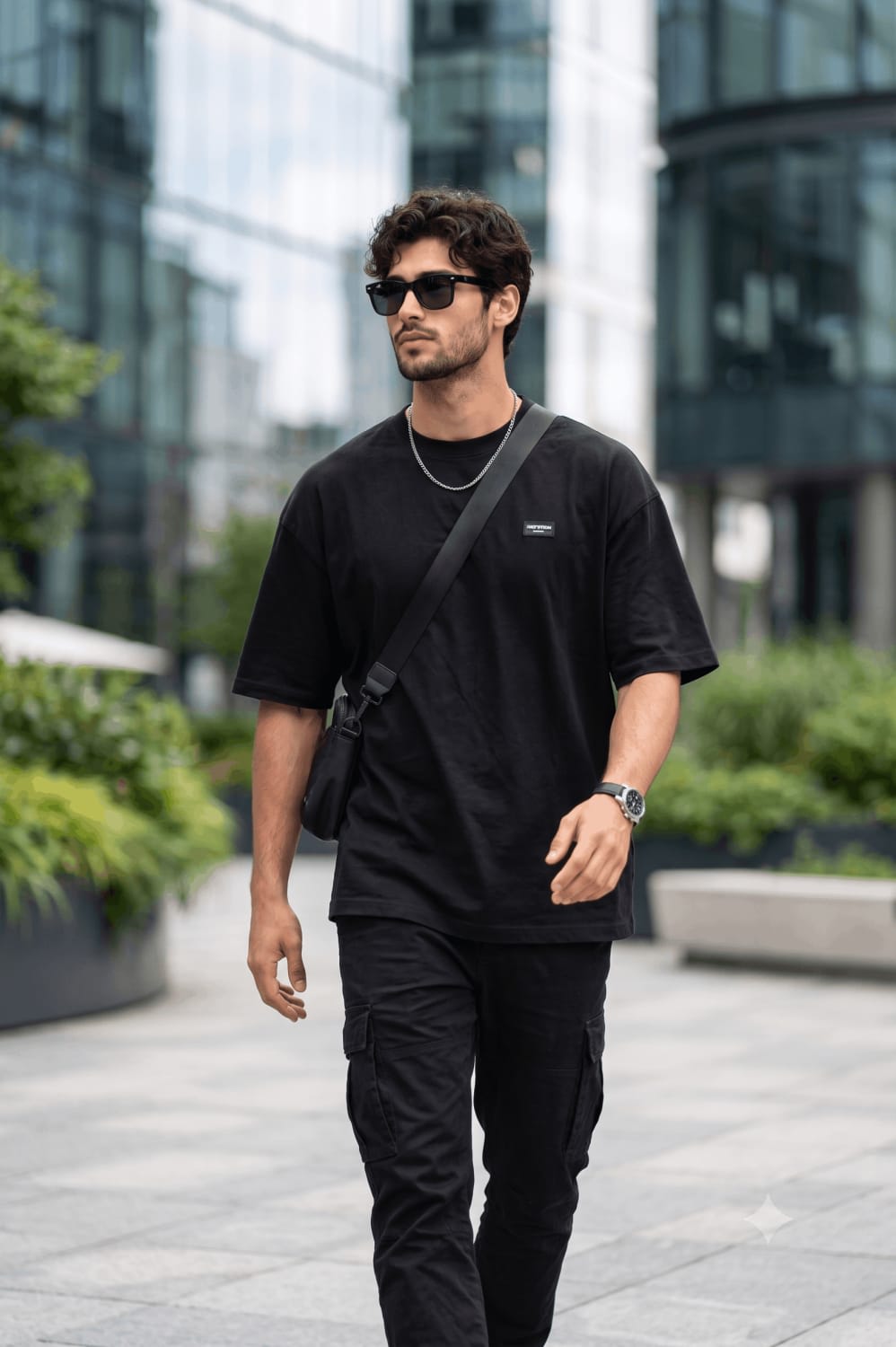
Urban Walking Streetwear Editorial Full Body Portrait – man in a t-shirt in an open field, AI image made with Nano Banana Pro
Trending
Gemini
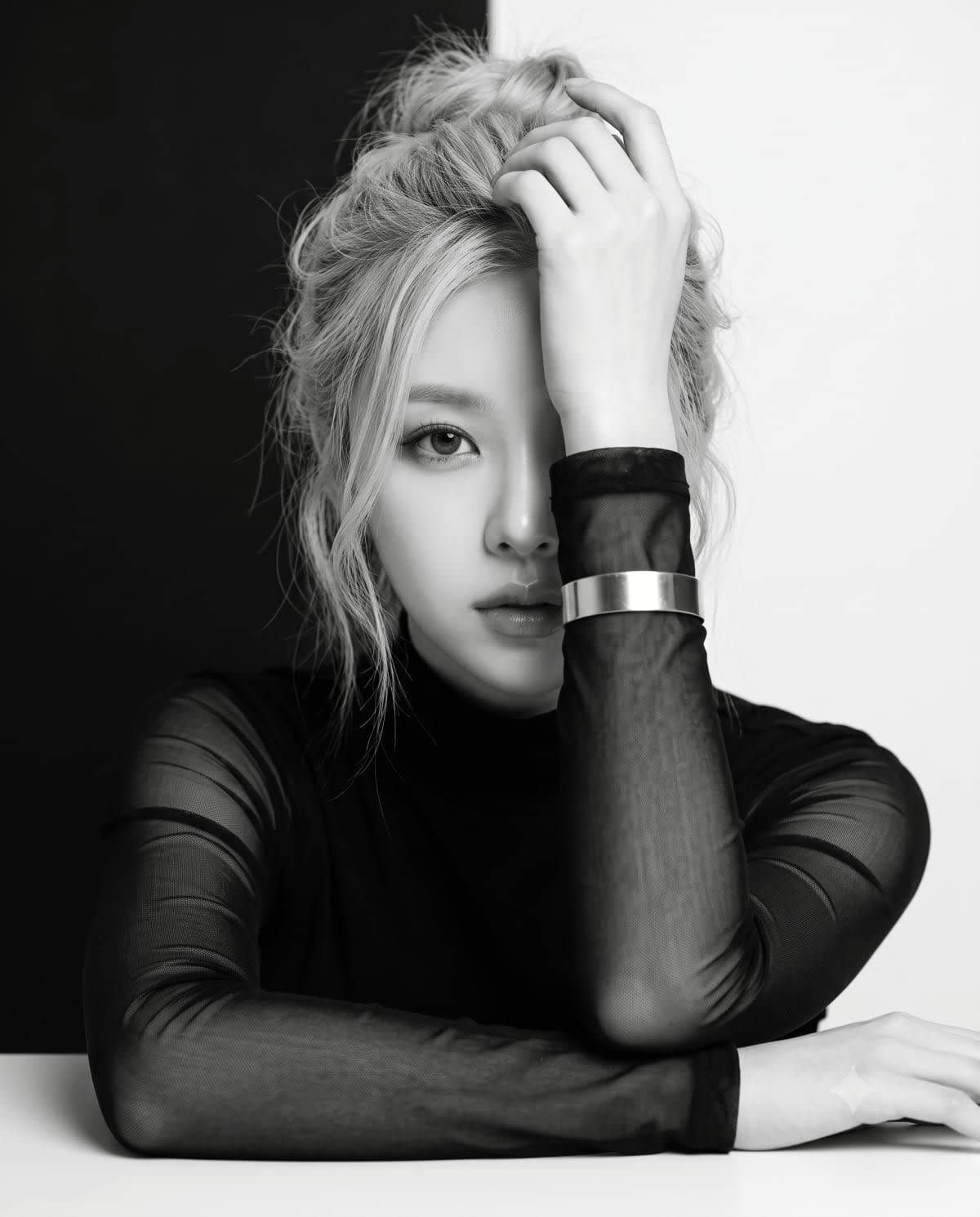
Split Black-White Studio Portrait – woman in a dress in a photo studio, AI image made with Nano Banana Pro
Trending
Gemini
Vintage High-Contrast Editorial Portrait – woman in a corset in an open field, AI image made with Nano Banana Pro
Gemini
Luxury Car Fashion Portrait – man in a kurta in a car, AI image made with Nano Banana Pro
Gemini

Luxury Car Fashion Portrait

Indian Traditional
Luxury Fashion Editorial Portrait – man in a t-shirt in a photo studio, AI image made with Nano Banana Pro
Gemini
Luxury Bathtub Fashion Portrait – woman in a gown in a bathroom, AI image made with Nano Banana Pro
Trending
Gemini

Luxury Bathtub Fashion Portrait

Fashion Editorial